Learning goals
We are learning …
- To demonstrate an understanding of the purpose, form and message of how-to texts
- To analyze how to texts by sequencing events in text
- To brainstorm ideas, plan, draft and edit a how-to text and identify the topic and purpose
- To select, use and reflect on listening strategies that support comprehension of oral texts
Success criteria
I am able to …
- Identify the purpose, form and message of a how-to text
- Organize the sequence of events in order in a how-to text
- Brainstorm, plan, draft and edit a how to text
- Identify the topic and purpose of a how-to text I plan to create
- Select, use and reflect on listening strategies that help me better understand oral texts
Experimental creativity
Check out the following video where Abhishek shares a creative idea. As you enjoy the video, think about what the purpose of this video is.

Brainstorm
Brainstorm
Why do you think Abhishek made this video? What problem did he solve?
Press Show Answer to learn more.
Abhishek loves going to the beach but doesn’t like getting sand in everything. He creates kinetic sand to feel like he is going to the beach without all the mess!
Have you ever followed a how-to video before? How did it help you?
Record your thinking in any method of your choice.

Vocabulary!
Test your skills
For each sentence, select the missing word from the drop-down menu. Press Check Answer to see how you did.
Building your vocabulary!
Teacher Ravi shares, 'Whether you've heard these vocabulary words before or not, working with important or "key vocabulary" is a very useful tool in understanding new topics and texts. To understand a new word or term, it's not enough for us to just read a definition. To really understand, our brains need to think about it in different ways.'
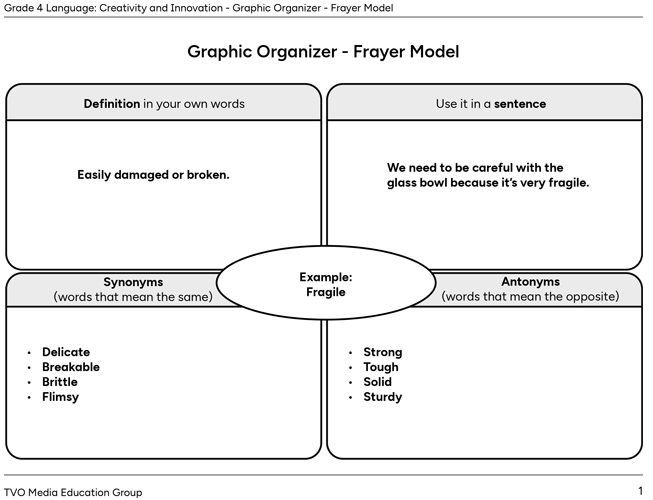
Choose two of the vocabulary terms above to explore further.
Complete the fillable and printable Graphic Organizer in your notebook or using the following document. If you would like, you can use speech-to-text or audio recording tools to record your thoughts.
Creativity and innovation
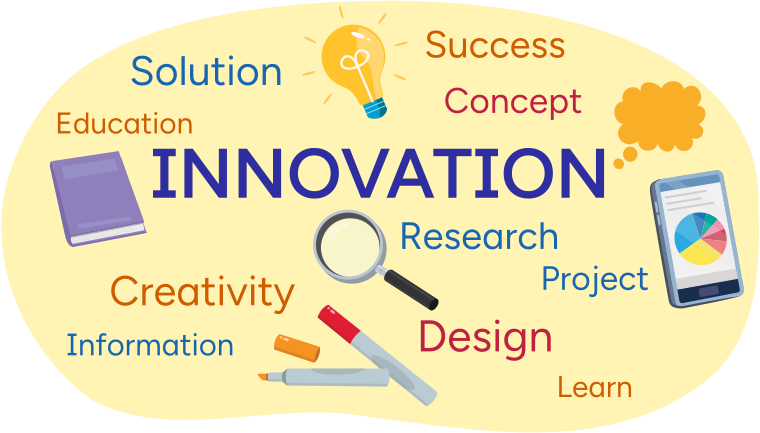
Creativity is all about using your imagination to come up with new ideas. It can help you invent something that didn’t exist before.
Press Example to learn more.
For example, if you imagine a new game and come up with the rules with your friends, that’s creativity in action!
Innovation happens when you take a creative idea and improve it. Think about the last time you saw a new version of toy or app, or a clever new way to tie your shoes. Those are all examples of innovation! Someone became inspired to take an existing item or idea and innovate it into something new and improved.
In the “Minds On” section, we explored Abhishek’s how-to video for making kinetic sand. Making how-to videos, creating recipes, discovering life hacks, and working on craft projects are all different ways that creativity and innovation can inspire our everyday lives.
How-to videos
How-to videos are short videos that show you how to do something step by step. They can teach you how to make things, cook recipes, fix something, or learn new skills. In a how-to video, someone explains each part of a process so that you can follow along and do it yourself.
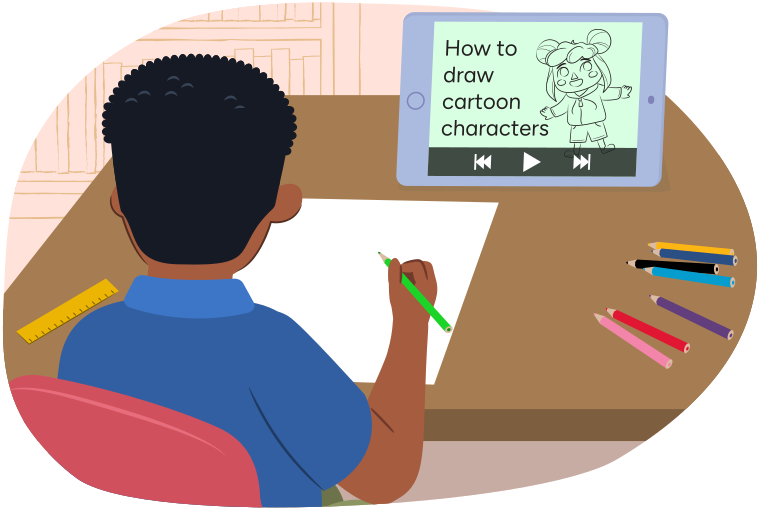
Whether you’re explaining new games, how to create art, or finding a better way to organize your school supplies, you’re using creativity and innovation to make a difference. Anyone can be creative and innovative—you just need to be curious, try new things, and keep learning!
Listening strategies
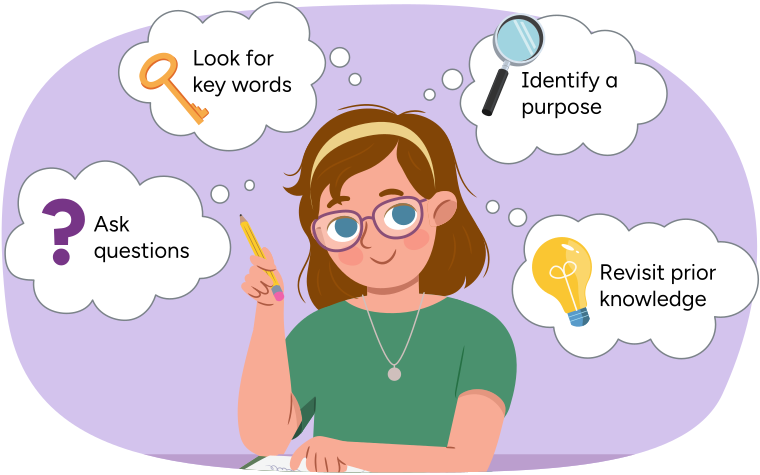
Have you ever listened to a story and found it hard to remember all the details? Or maybe your teacher gave instructions, and you weren't sure what to do next? That's where listening strategies come in!
Listening strategies help you understand and remember what you hear. They also help you ask more questions and make learning more fun!
Press the following tabs to learn more about listening strategies.
Know why you’re listening, are you listening or viewing the text to:
- learn new information
- enjoy a story
- understand instructions
Making predictions
The following video is called "Majd-Family Teatime". Considering the title, what do you think the video will be about?
Press Show Answer to learn more.
Practicing listening strategies
In this activity you will explore how-to videos, their purpose and how they are made.
Before exploring this next video, consider some listening strategies that you can select and use.
Check out the following video to learn more.

Pause and Reflect
Pause and reflect
What listening strategies do you think have helped with understanding this video?
Record your thinking in a method of your choice.
Elements of how-to videos
You may have noticed two important parts of Majd’s video.
What you need: How-to videos often start with all the materials you will need such as ingredients you will need in a recipe or items you will need to make your craft.
What are the steps: The video then shares steps in order from first to last. This is also called the sequence of events.
Sequencing
A sequence of events shows what happens first, next, and last. Understanding the sequence of events helps you follow the steps more easily.
To describe the sequence, we need to ask the following questions:
- What happened first?
- What happened next?
- What happened in the end?
- What was the purpose of the video?
Think back to the sequence of events from the video "Majd- Family Teatime". Arrange the following teatime steps in the correct order!
The following cards contain items that fit together in a specific order (sequence). Put the items in each answer box in the correct order.

Did You Know?
Transition words
Transition words help to organize a sequence of events in a clear order. They show how one step leads to the next, making instructions easy to follow.
First : To start the sequence
Next : To indicate the following step
Then : To show the next action
Finally : To signal the last step
For each sentence, select the missing transition words from the drop-down menu of Abhishek’s “How to Make Kinetic Sand” video. Press Check Answer to see how you did.
Retelling
Once you have completed sequencing the events of the video, you can retell the sequence.
William shares, 'Retell means to tell or explain something again in your own words. When you retell a text, you share the important parts, like the sequence of events, in the correct order.'
Retelling a how-to video tells someone else how to do the activity or make something that you saw in the video. Retelling helps you remember and understand the process better. It’s also a great way to check if you know how to do the activity yourself!

Pause and Reflect
Pause and reflect
How does the sequence of events help the reader/viewer understand a how-to video.
What are some additional facts you learned from Majd’s video?
Press Show Answer to learn more.
Kaak is a delicious treat that Majd’s family eats with the tea.
Create your own "how-to text"
It’s your turn to create your own how-to text.
First it is important to identify the task or skill you want to explore in your “how-to” text. This is the purpose of the text.
Then, you can think about the items you will need, and the sequence of events. These sections can be called: “what you need” and “what to do”.
A “how-to” text might also share different facts and tips throughout.
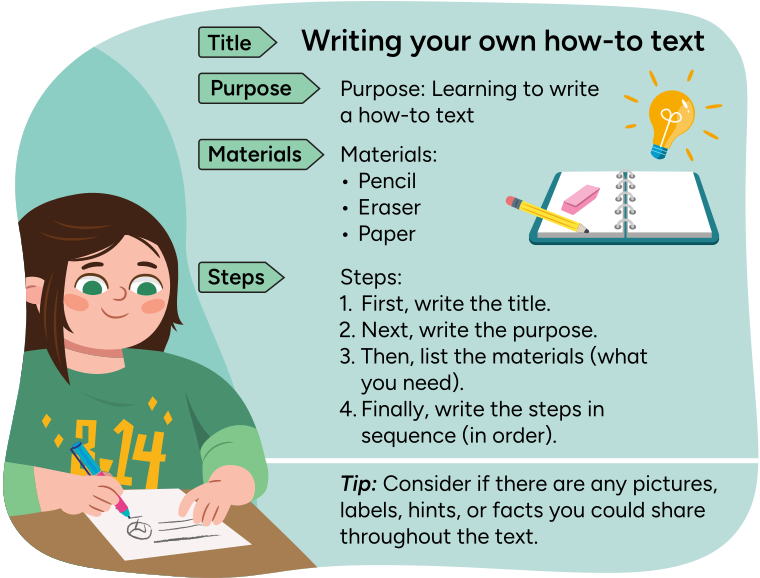
Title: Writing your own how-to text
Purpose: Learning to write a how-to text
Materials: Penci, Eraser, Paper.
- First, write the title.
- Next, write the purpose.
- Then, list the materials (what you need).
- Finally, write the steps in sequence (in order).
Tip: consider if there are any pictures, labels, hints, or facts you could share throughout the text.
Brainstorm
Brainstorm
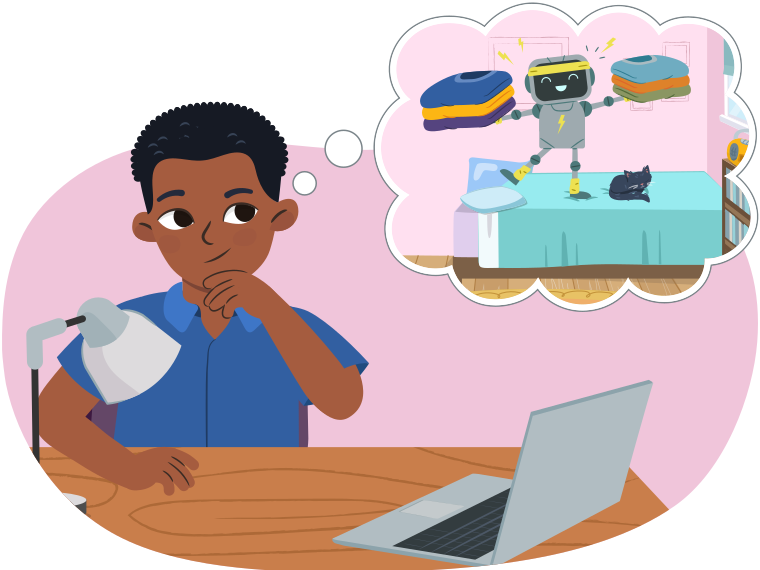
Think of something that interests you or something you’d love to share with others. Maybe it’s something you already know or maybe it’s a new idea or new way of doing something.
Consider the following questions to help you with your brainstorming:
- What’s a fun activity or hobby you love to do? Think about how you could explain how to do that activity.
- Think about any cool inventions or gadgets you’ve seen. How could you explain how to use them?
- What are some everyday tasks that could use a little innovation. Maybe you have a new way to clean your room or organize your school supplies. How would you explain this new way of doing something to someone else?
Planning
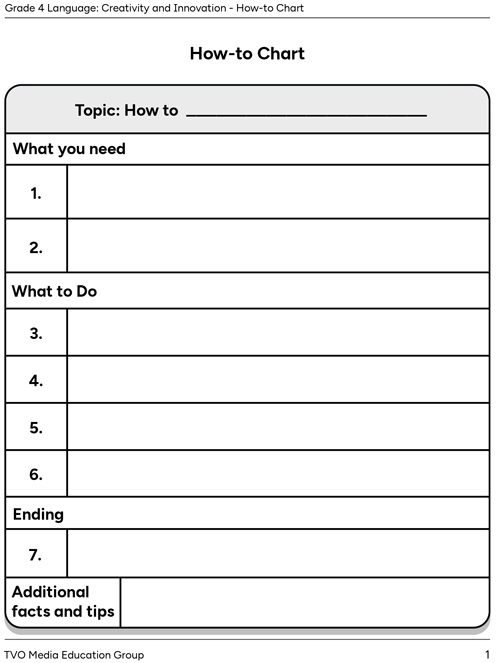
Complete the fillable and printable How-to Chart in your notebook or using the following document. If you would like, you can use speech-to-text or audio recording tools to record your thoughts.

Typing practice
Typing is a great skill to develop! When we need to use a computer or tablet keyboard, knowing how to type helps us:
- take notes
- respond to messages
- create final drafts of our work.
Explore the following image to see what fingers are used to type each letter or number.
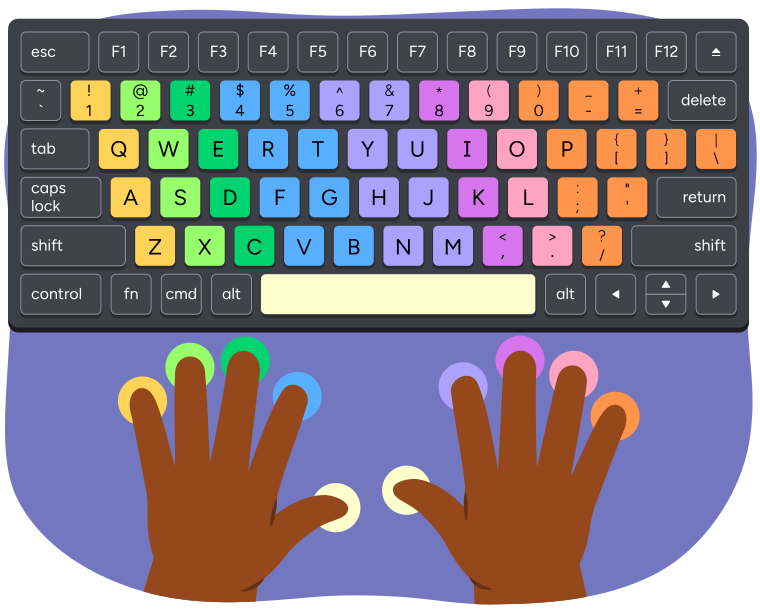
A keyboard and hands showing which fingers are used to press each key when typing.
The left pinky finger presses the keys 1, Q, A, and Z.
The left ring finger presses the keys 2, W, S, and X.
The left middle finger presses the keys 3, E, D, and C.
The left index finger presses the keys 4, 5, R, T, F, G, V, and B.
The left or right thumb presses the space bar.
The right index finger presses the keys 6, 7, Y, U, H, J, N, and M.
The right middle finger presses the keys 8, I, K, and comma.
The right ring finger presses the keys 9, O, L, and period.
The right pinky finger presses the keys 0, minus, equal, P, open bracket, closed bracket, backslash, semicolon, apostrophe, and forward slash.
We use specific muscles in our hands to type! It’s important to practice so that it becomes easier to type correctly without putting too much pressure on our hands and our wrist.
Explore the following interactive for tips you can use when typing.
Time to practice!
Editing
We have been learning that a how-to text gives step-by-step instructions on how to do something. It’s important for these instructions to be clear and have correct grammar so that your audience can easily follow along.
Press the following tabs to learn more about grammar and punctuation.
Punctuation
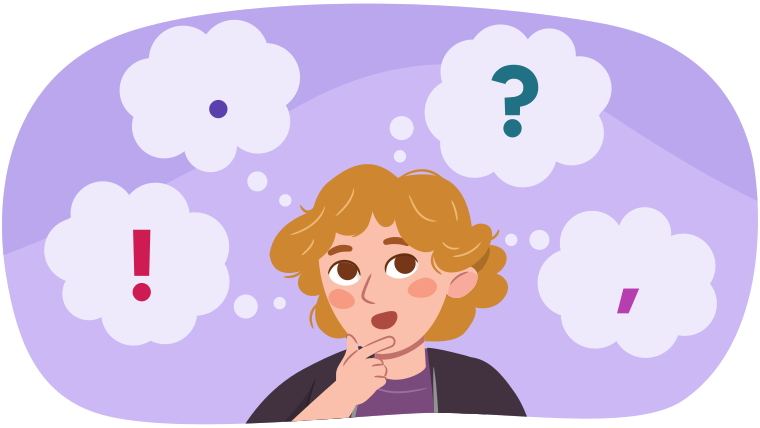
Check out the following video to learn more about punctuation.
Verb tenses
Verb tenses help the reader understand ‘when’ something has happened. They help us understand if something is happening now, or in the past. When referring to events that happened in the past, it is important to use the past tense.
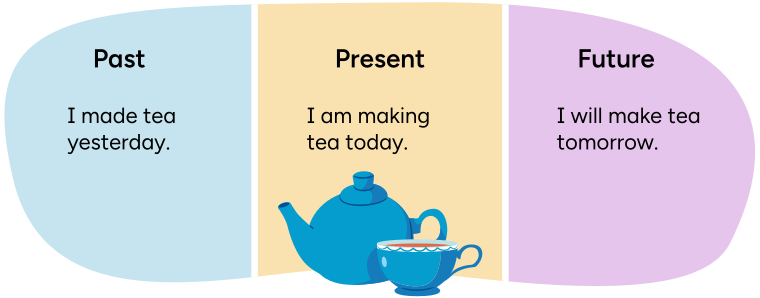
Check out the following video to learn more about verb tenses.
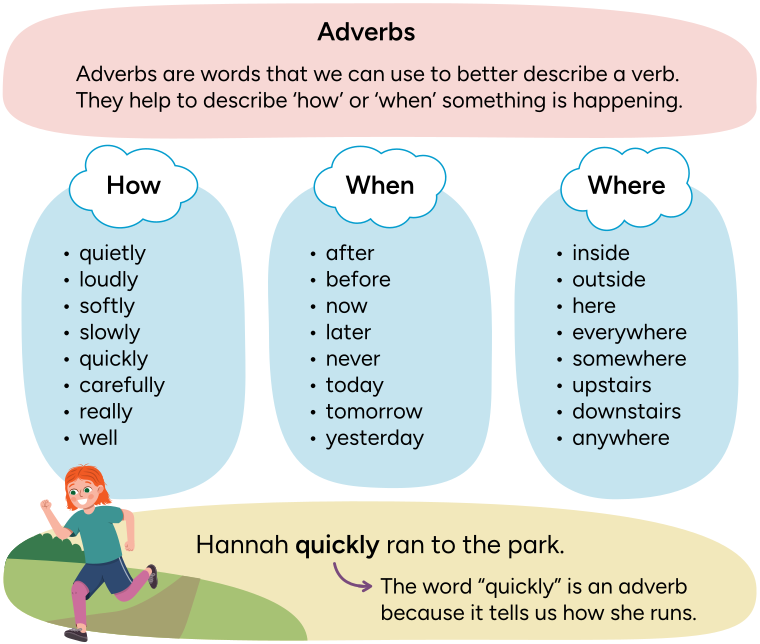
Adverbs
Adverbs are words that we can use to better describe a verb. They help to describe 'how' or 'when' something is happening.
How: quietly, loudly, softly, slowly, quickly, carefully, really, well.
When: after, before, now, later, never, today, tomorrow, yesterday.
Where: inside, outside, here, everywhere,Somewhere, upstairs, downstairs, anywhere.
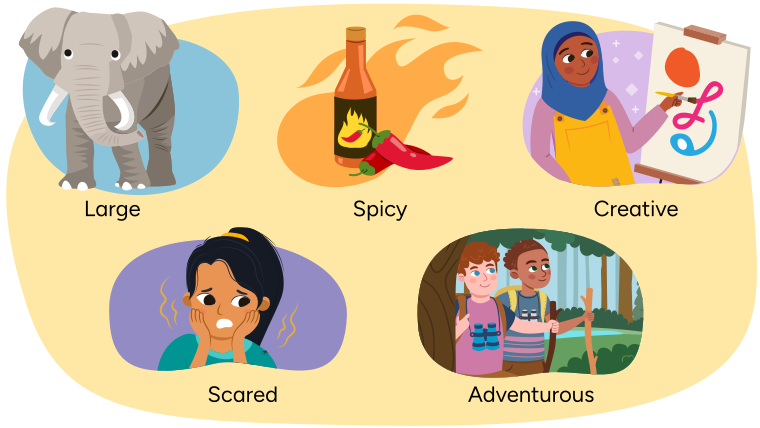
Adjectives help us to describe nouns. Adjectives make sentences more interesting because they add descriptions.
Putting it together
Now that you have brainstormed, planned, and edited your how-to text you can go ahead and create one in a method of your choice. You can create a video, an audio clip or use other digital tools (approved by a trusted adult).

Student Success
Think
Think about the following questions:
- What did you learn about the different parts of a “how-to” text?
- How can we use “how-to” texts to teach different skills or tasks?
- Do you find “how-to” texts help you learn new skills or tasks?
Reflection
As you read through these descriptions, which sentence best describes how you are feeling about your understanding of this learning activity? Press the button that is beside this sentence.

I feel...
Now, record your ideas using a voice recorder, speech-to-text, or writing tool.