When we go online, we might:
- look for information
We are learning to…
I am able to…
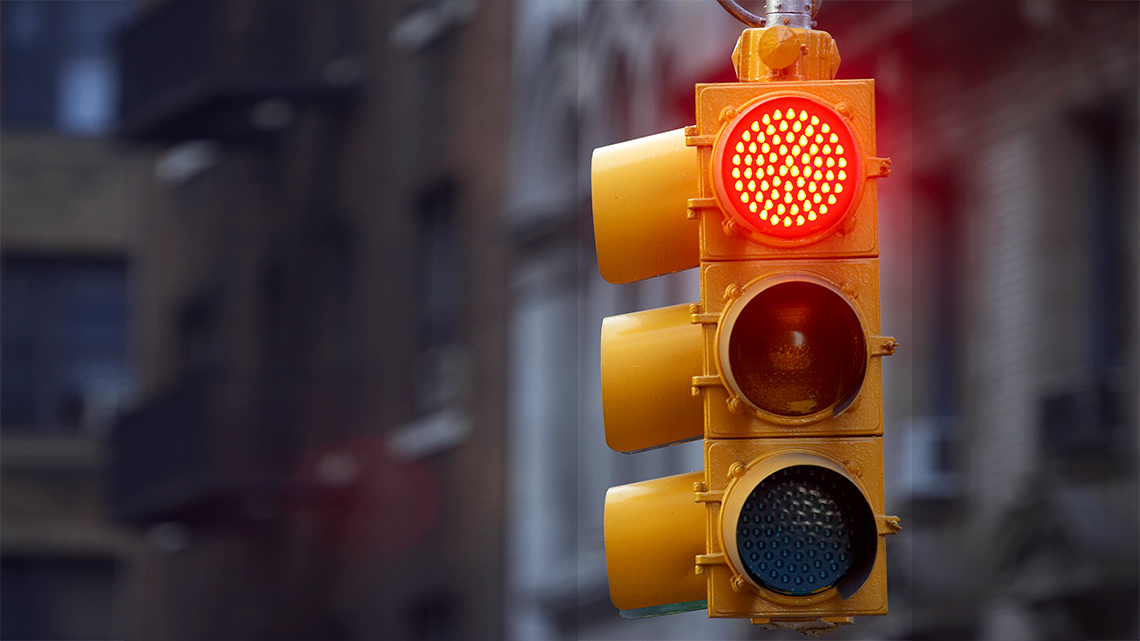
What kind of information does a traffic light tell us?
Where might you find traffic lights?
Share your thoughts with a partner, if possible.
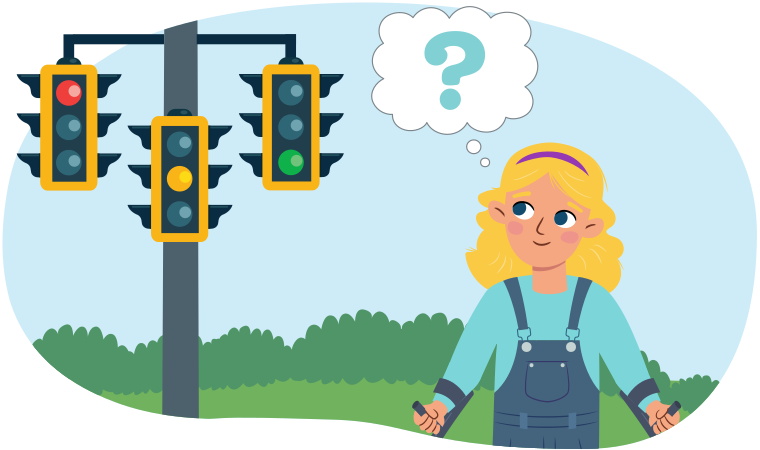
Traffic lights let us know when:
It is important to follow the rules of a traffic light to keep ourselves safe!
Just like we use a traffic light in real life, we can do the same when we are online.
When we visit the internet on any kind of electronic device, we are going online.
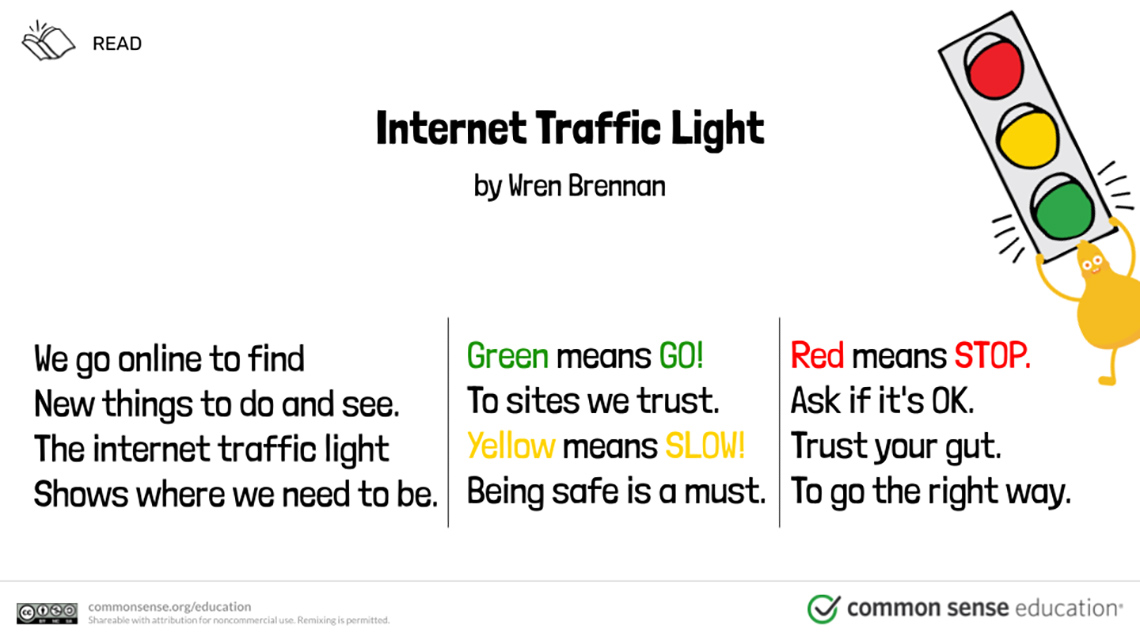
A poem called "Internet Traffic Light" by Wren Brennan
We go online to find
New things to do and see.
The internet traffic light
Shows where we need to be.
Green means GO! to sites we trust.
Yellow means SLOW! Being safe is a must.
Red means STOP. Ask if it's OK.
Trust your gut to go the right way.
Source: Common Sense Education. (n.d.). Internet Traffic Light. Retrieved from https://www.commonsense.org/education/digital-citizenship/lesson/internet-traffic-light
What are some of the things you like to do online?
How can we know if a website or app is just right for us?
Share your thoughts with a partner, if possible.
Explore tips on how to know if a website or app is just right for you.
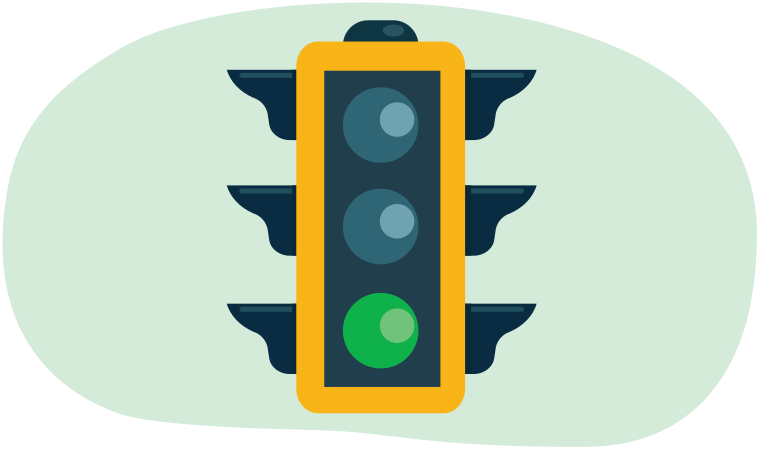
Green means GO
Websites and apps that:
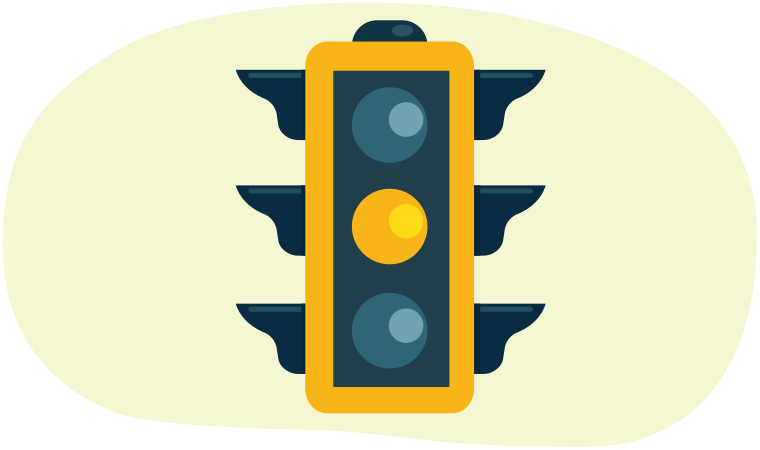
Yellow means SLOW DOWN
Websites and apps that:
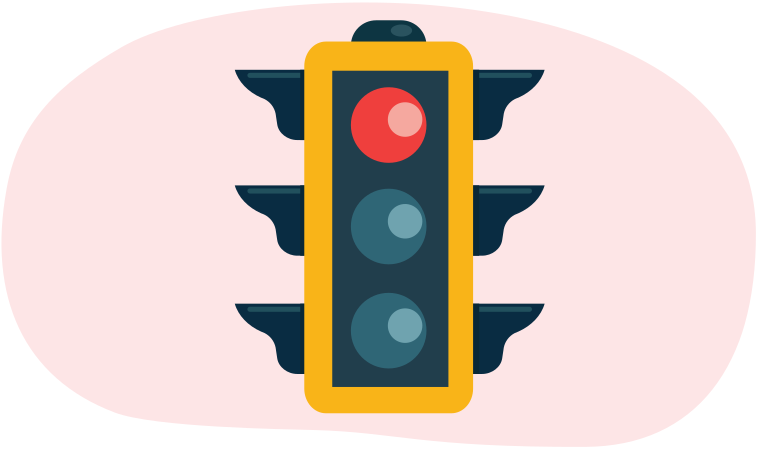
Red means STOP
Websites and apps that:
Let’s read the book Staying Safe Online to explore ways we can be safe online.
Explore the following reading strategies to help you as you read and/or listen to the book.
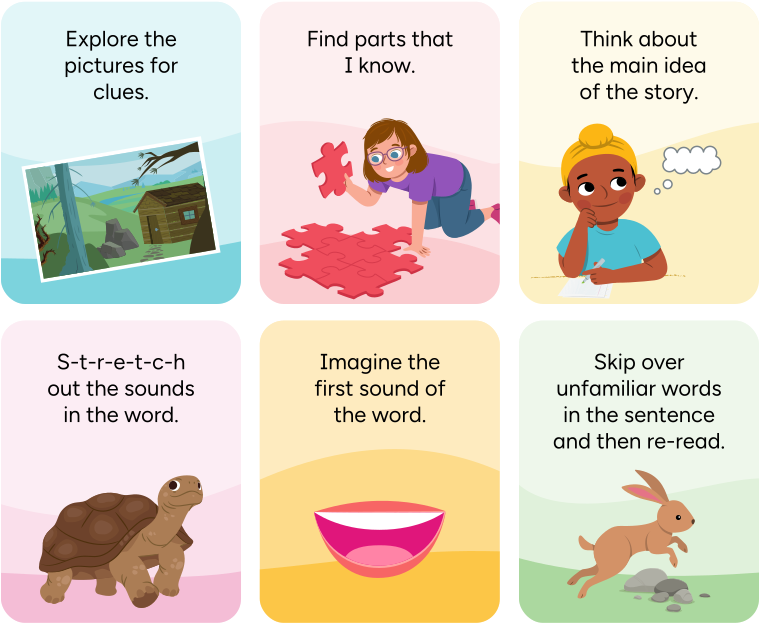
Six reading strategies to try:
Read Staying Safe Online by pressing the arrows to move between pages. You can press the play button to listen to the words on each page.
Staying Safe Online Staying Safe Online
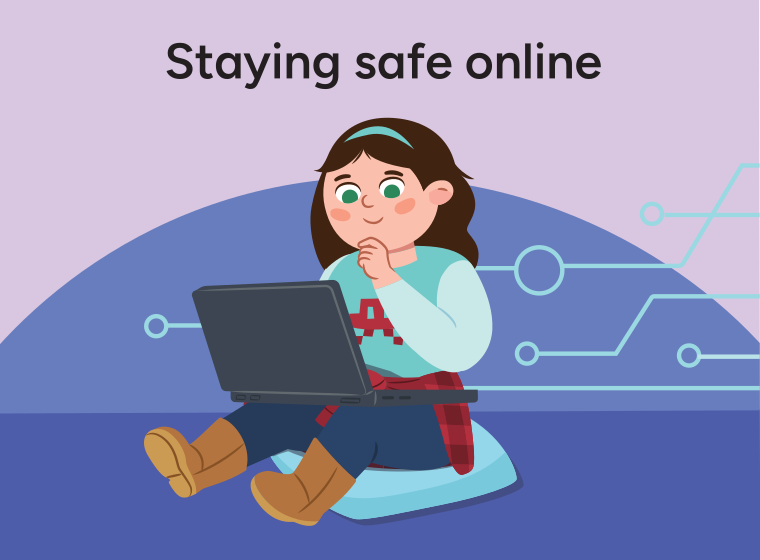
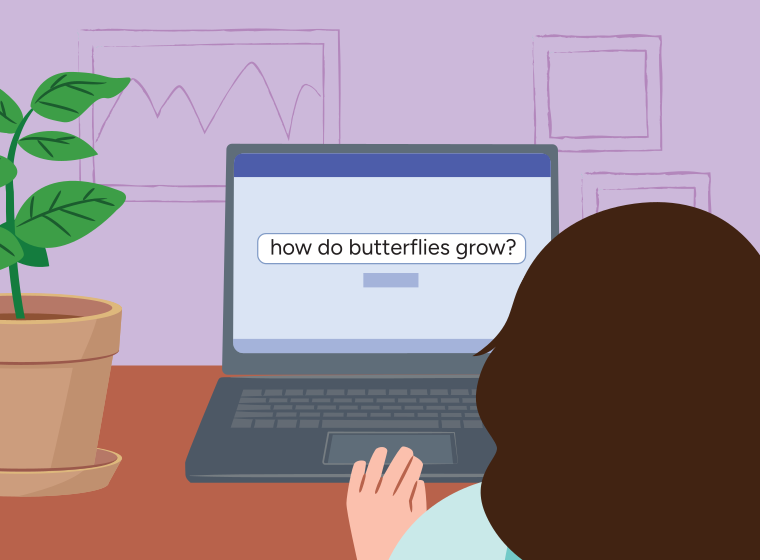
When we go online, we might:
Whenever we are online, it’s important that we stay safe, kind, and responsible.
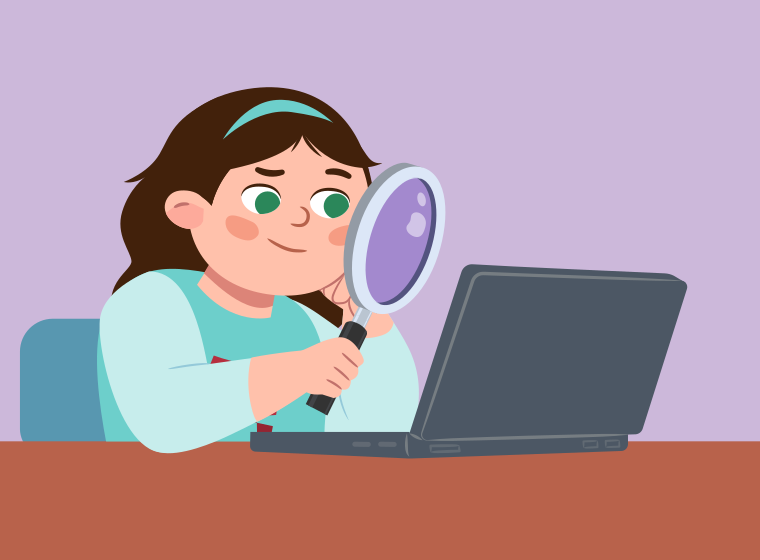
This means that we should be careful about:
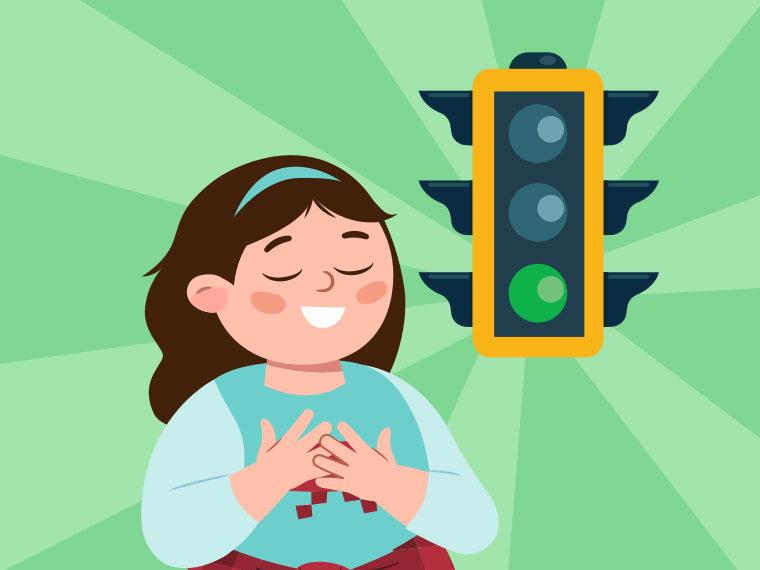
Use kind words when sending a message to friends and family.
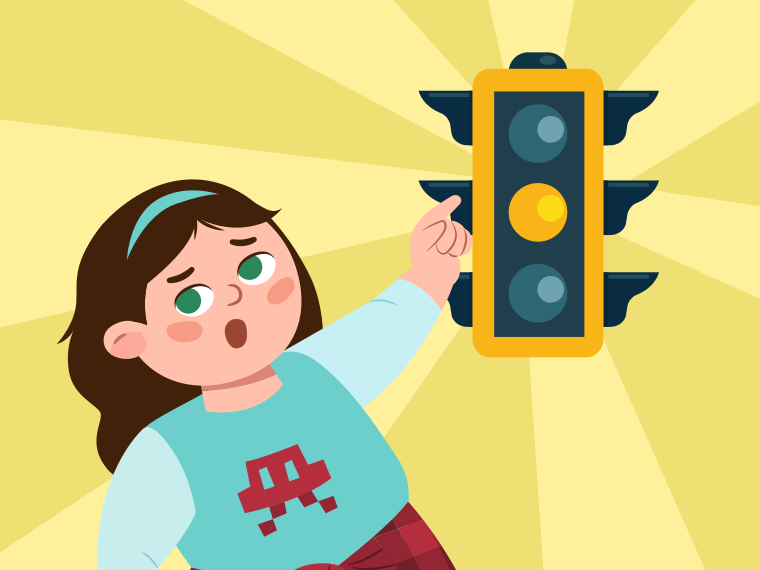
Think before you click. Before you start using a website or app, think about whether it is right for you. If you have questions or need help, ask a trusted adult!
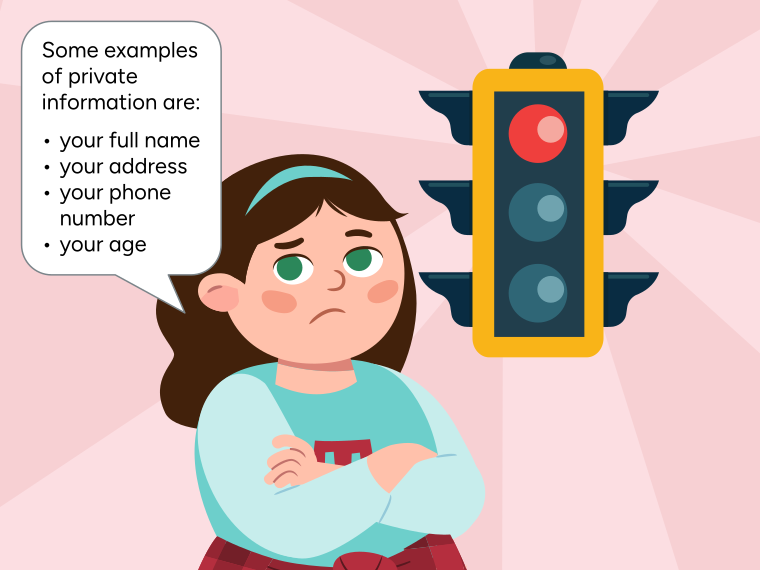
If someone or a website asks you to share private information, do not enter it. Some examples of private information are your full name, your address, your phone number, and your age.
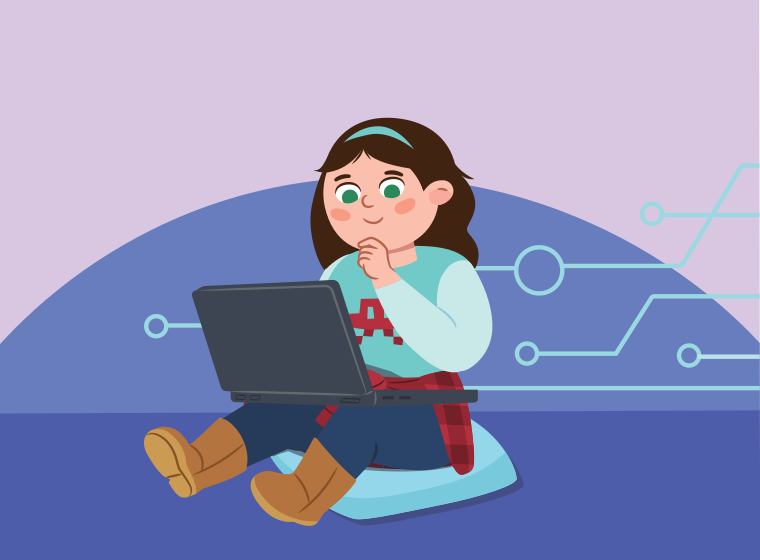
How can you be safe online?
Share your thoughts with a partner.
Let’s go over some of the vocabulary we learned in this activity.
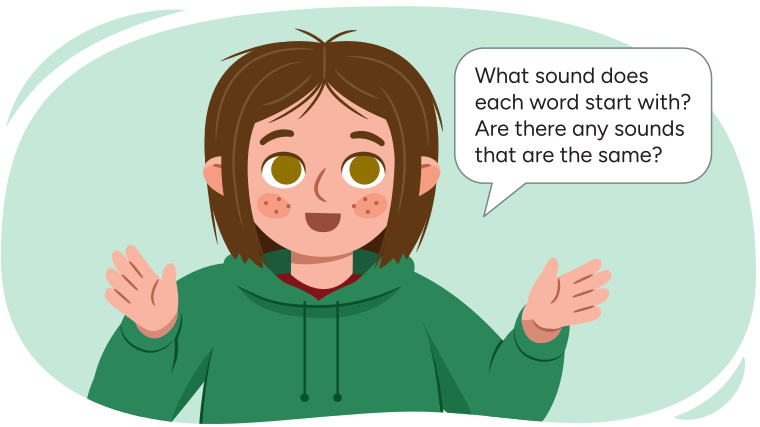
Match the following pictures to their meaning!
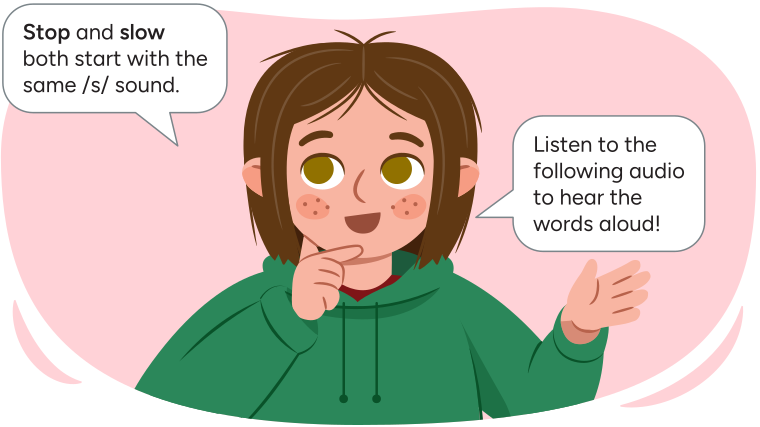
Press the play button to listen to the words stop and slow.
/s/ sound
Let's practise what we have learned about online safety.
Select the correct answer, then press Check Answer to see how you did.
What are 2–3 tips you would share with a friend who is learning to go online?
Record your tips using pictures, words, or an audio recording.
How do you feel about what you have learned in this activity? Which of the next four sentences best matches how you are feeling about your learning? Press the button that is beside this sentence.

Now, record your ideas about your feelings using a voice recorder, speech-to-text, or writing tool.