Learning goals
We are learning to…
- show an understanding of the forms, conventions, and techniques of a variety of media texts
- identify ways in which specific design choices share meaning in a variety of texts
- use three or more sources to gather information about a topic
- identify the purpose and audience for speaking in various situations, and use helpful speaking strategies to communicate meaning clearly
Success criteria
I am able to…
- explore different examples of media such as print, broadcast, digital, and out-of-home media
- identify how each example of a media form shares ideas
- record three facts about one of the examples of a media form
- create a presentation about my chosen example of a media form
Let’s get started!
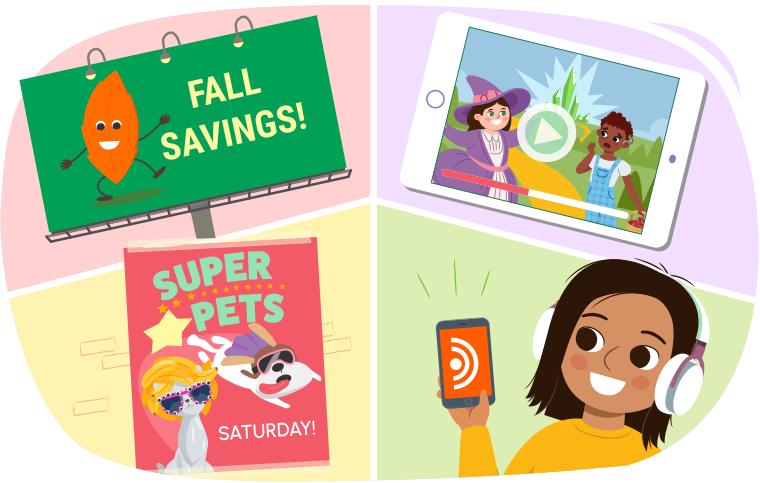
Media is all around us, but what exactly is media?
Let’s watch the following episode of Wacky Media Songs to learn about media in its different forms!
How does Ava describe media?
Press Reveal to check your answer.
Media is any kind of form that shares messages with an audience.
What types of media did you notice in the video?
Press Reveal to check your answer.
- radio
- newspapers
- the Internet
- billboards
- magazines
- music
Exploring media
Media comes in many forms and is shared with an audience in different ways.
Some examples of media are:
- print media (such as magazines)
- broadcast media (such as television and radio)
- digital media (such as websites and podcasts)
- out-of-home media (such as billboards and posters)
Most media texts use one or more of the following to share a message:
- words
- sounds
- images
- shapes
Let’s explore some examples of print, broadcast, digital, and out-of-home media.
Press the following tabs to learn more about different media forms.
Magazines are a type of print media. They are created as booklets and can have a few or many pages.
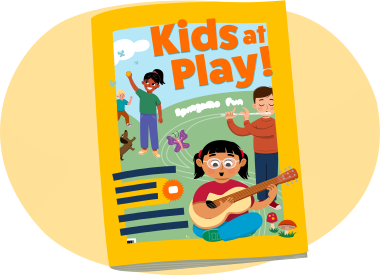
Magazines have a front cover page that usually includes:
- a title
- images
- a few sentences or words that tell us about the information inside
A front cover tells us what the magazine will be about.
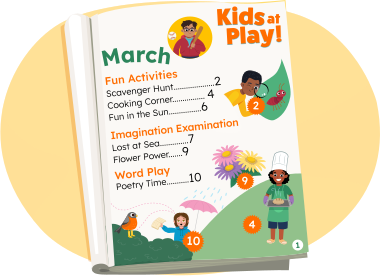
Some magazines have a table of contents that usually includes:
- a page that lists all the sections in the magazine in order
- page numbers that tell us where to find the sections in the magazine
A table of contents helps us find information easily.
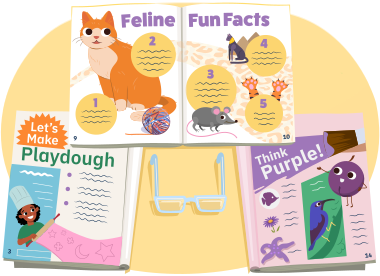
Magazines may contain articles which have information about specific things. For example:
- A magazine about animals may include different articles on types of animals.
- A cooking magazine may contain recipes.
Magazines may also contain pages that are advertisements for different kinds of products.
A print advertisement can include images and words that share information about a specific product with the reader.
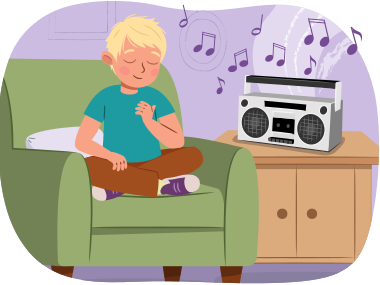
We can listen to or watch broadcast media. Radio is a type of broadcast media that does not include any images. We can listen to different radio stations using a speaker in a car or at home.
Radio stations can:
- play music
- share information on different topics
- share local news
- share interviews between the radio host and guests
Radio stations sometimes play broadcast advertisements which can include words, phrases, and music that share information about a specific product with the listener.
Listen to this audio clip called Space Puffs Cereal to hear an example of a broadcast advertisement!
Space Puffs Cereal
Websites are a type of digital media on the Internet. You can find these websites when you go online.
Check out the following clip where we explore a TVO website!
Websites can include links that take us to different topics. For example, on the TVOKids website we can:
- watch live shows
- play videos
- play games
- select apps
- switch sections from Elementary to Preschool
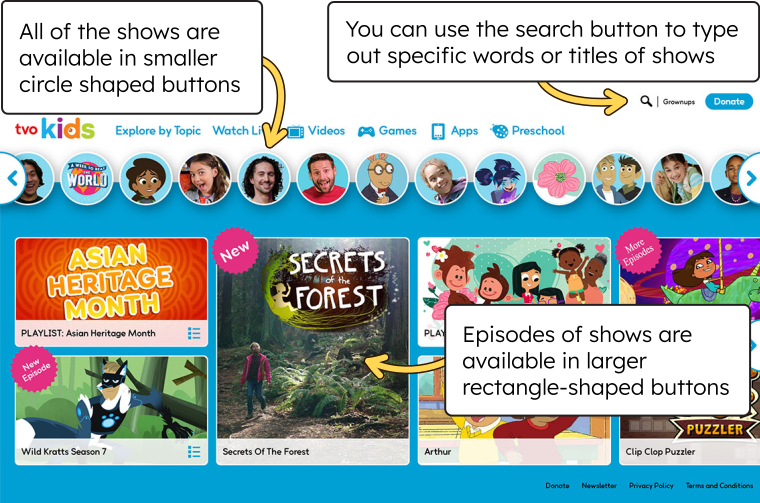
A screenshot of the TVOKids website. A row of tabs across the top of the screen reads "Explore by Topic", "Watch Live", "Videos", "Games", "Apps", and "Preschool". In the top right corner, next to the magnifying glass icon, a note says, "You can use the search button to type out specific words or titles of shows." Below the top row of tabs is a row of circular buttons features different TV show characters. Next to the circles a note says, "All of the shows are available in smaller circle-shaped buttons." Below the circles are large rectangles that contain pictures and the titles of TVO shows. Next to the rectangles a note says, "Episodes of shows are available in larger rectangle-shaped buttons."
Some websites include digital advertisements. These can be small squares that contain pictures and words about a product. When a person clicks on this, it takes them to a different page that shares more information about the specific product with the listener.
Billboards are a type of out-of-home media. Billboards are put up in busy areas or along roads to show an advertisement for a product, place, show, or business.

Billboards use images, shapes, and words to share information with the viewer. They can stay in one place for weeks, months, or years.
These days, you may also notice digital billboards. Digital billboards are screens that show advertisements that can be changed using a computer. Some digital billboards have advertisements that change every few seconds!
Ready, set, go!
Let’s play a sorting game!
Common nouns
We have been learning about the following different forms of media:
- magazine
- radio
- website
- billboard
Each of these words is an example of a common noun.
Common nouns are general names that we use for people, places, things, animals, and events. They begin with a lowercase letter. Common nouns are not specific names.
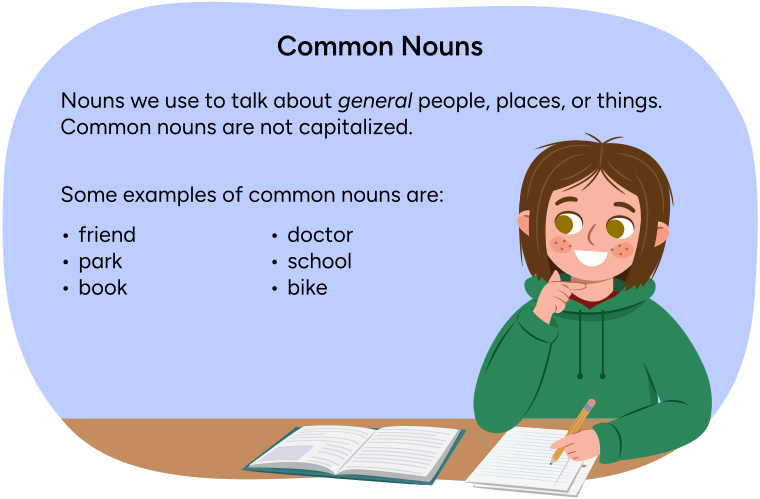
Clara is next to text that says: Common nouns are nouns we use to talk about general people, places, or things. Common nouns are not capitalized. Some examples of common nouns are: friend, doctor, park, school, book, and bike.
Can you think of any common nouns?
Record your thoughts and share with a partner, if possible.
Presenting about media
Let’s create a presentation all about media!
Step 1: Choose a form of media
Select one form of media that we explored today from the following checklist:
Step 2: Find three facts
What are three different facts you could share about this type of media?
Find three facts that you would like to include in your presentation.

Student Tips
Student tips
You may go back to the Action section to review the information again. Take notes using the organizer in Step 3 or another method of your choice.
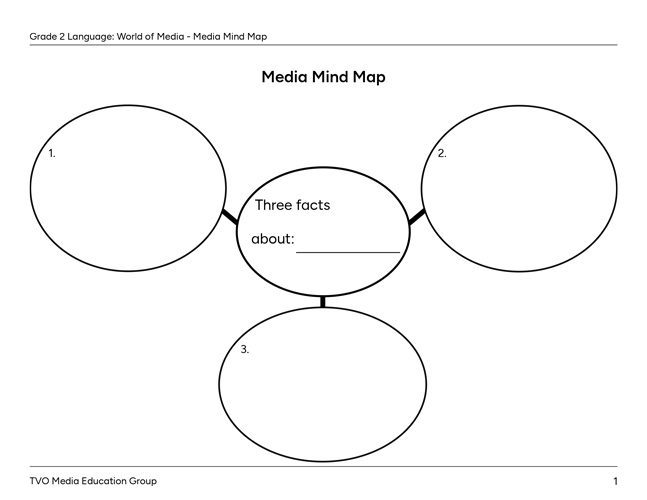
Step 3: Mind map
Use the following fillable and printable Media Mind Map to record three different facts you could share about the form of media you chose in Step 1.
Step 4: Create your presentation
Use the three different facts from your mind map to begin creating your presentation.
Press Sample Presentation to see an example of a presentation before you create your own!
|
Presentation: All About Advertisements |
|
|---|---|
|
Intro: (Introduce yourself and the topic): “Hi! My name is Sam and I am a grade two student. I love learning about the world of media! Today, I am going to tell you about a type of print media - magazines.” |
|
|
3 Interesting Facts About Magazines:
|
Finishing sentence:
|
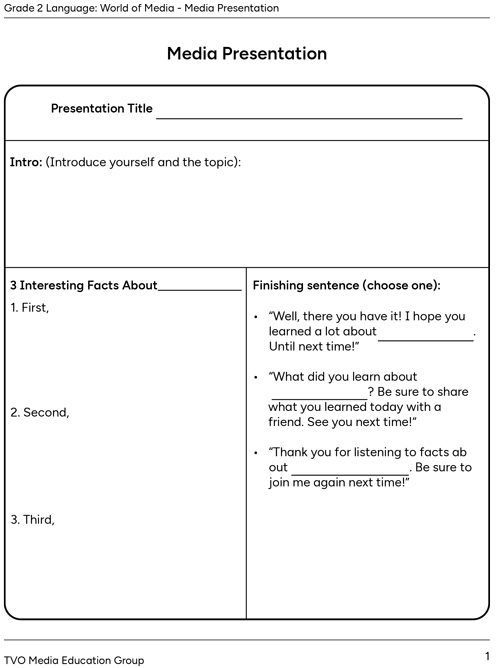
Complete the fillable and printable Media Presentation in your notebook or using the following document. If you would like, you can use speech-to-text or audio recording tools to record your thoughts.
Step 5: Practise
Rehearse your presentation by speaking out loud using your notes.
Use the following checklist to help you practice your presentation skills:
Listen to the following audio clip called Sam’s Presentation to hear an example of how Sam uses the presentation skills above in their own media presentation!
Sam’s presentation
Step 6: Share
Share your presentation with others! If you are able, record your presentation using a recording tool or present to others in person. You can even pretend that you are speaking into a microphone!
Media review
Let’s review what we learned about media!
Select the correct answer, then press Check Answer to see how you did.
Reflection
How do you feel about what you have learned in this activity? Which of the next four sentences best matches how you are feeling about your learning? Press the button that is beside this sentence.

I feel...
Now, record your ideas about your feelings using a voice recorder, speech-to-text, or writing tool.