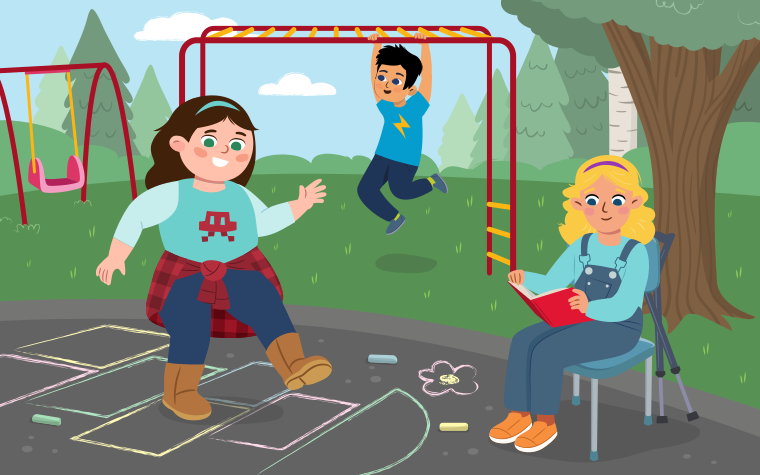
There are many things I can do online. I can chat with friends using kind words. I can play a game. I can watch videos.
Learning goals
We are learning to…
- show an understanding of our rights and responsibilities when interacting online with correct permission, and make decisions that help us be safe and positive online
- identify and use listening strategies before, during, and after listening to understand information
- share our experiences that connect with ideas and topics in new texts
- brainstorm using simple strategies and develop ideas about various topics using resources, our own learning, and our own experiences
Success criteria
I am able to…
- identify examples of how to be positive and stay safe online, and sort safe and unsafe practices
- answer questions after watching a video on privacy or reading a book about online safety
- brainstorm ideas for my own safety pledge
Going online
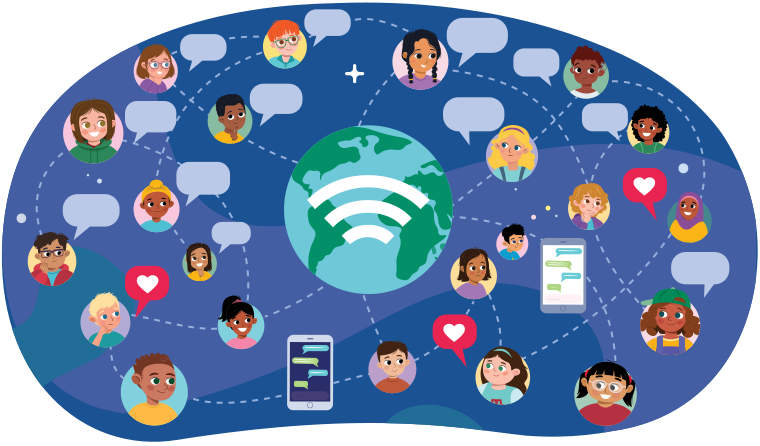
The internet is a network or system that connects people all over the world.
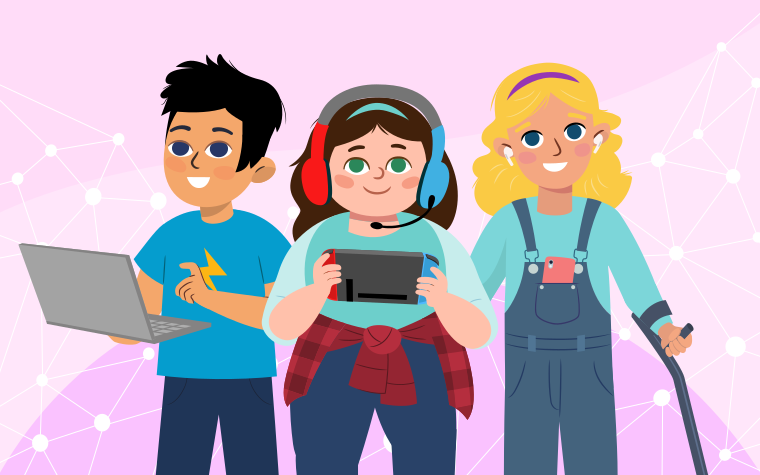
We can connect to the internet using a computer, tablet, smartphone, or another electronic device.
Explore the following carousel of images of different ways people might use the internet.
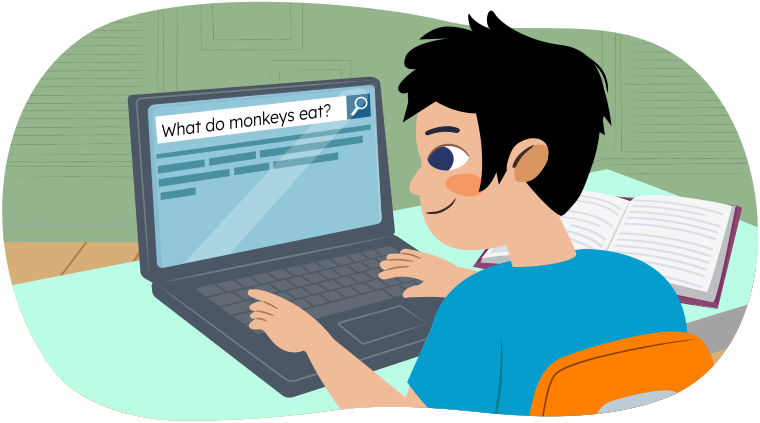
Find information about people, places, and things.
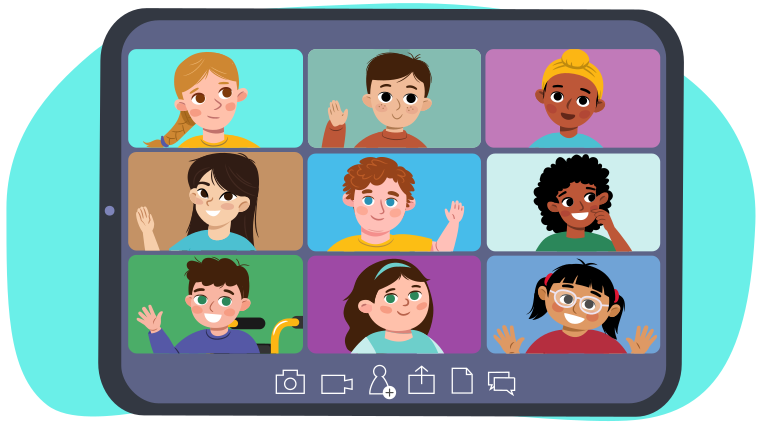
Connect with friends and family.
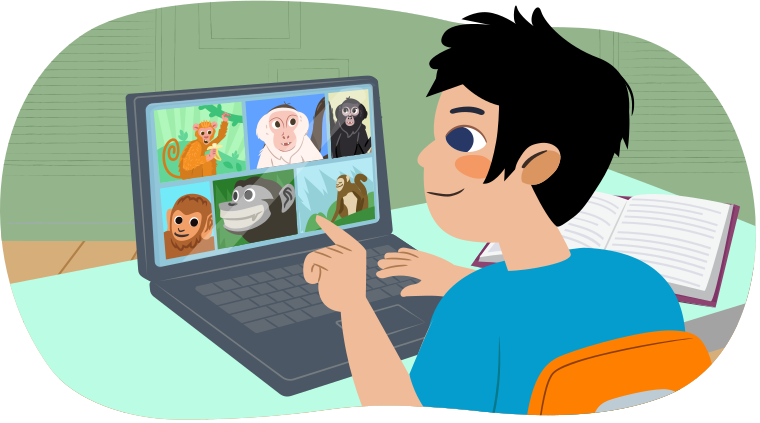
Explore pictures and videos.
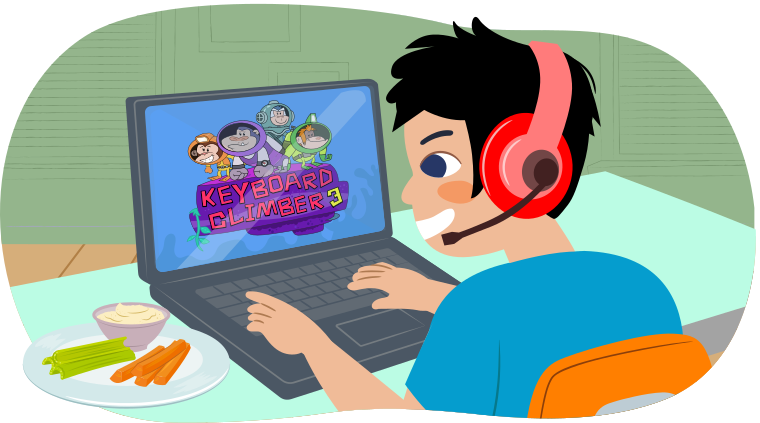
Play games.
When we visit the internet on any kind of electronic device, we are going online.
Have you ever been online before? What did you do?
Share your thoughts with a partner, if possible.
Ways to stay safe online
When we go online, we need to remember to be kind just like we are in person.
What are some different ways to be kind online?
- Use caring and considerate words when communicating with someone online.
- Help someone when they are learning to use the internet to find information.
- Send a friendly email or message to friends and family.

Did You Know?
Did you know?
All devices that are connected to the internet are connected to each other. This means that things you do on these devices may be seen by people you don’t know.
Online safety KWL chart
So, what can we do to stay safe online?
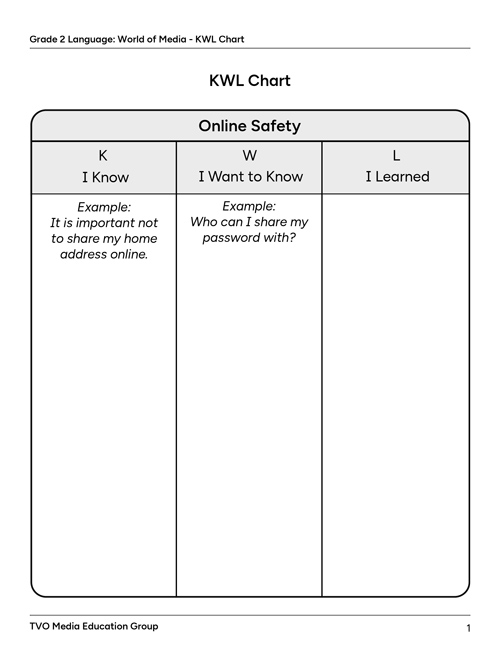
Let's complete a KWL chart to find out what you already know and want to know about online safety.
Fill in the K section of the following chart with what you already know about staying safe online.
Next, fill in the W section with things you want to know, or any questions you have about how to stay safe online.
You will fill in the L section when you learn something new about online safety.
You may write your ideas or draw a picture using the following fillable and printable KWL Chart or use another method of your choice. If you would like, you can also use speech-to-text or audio recording tools to record your thoughts.
| Online Safety | ||
|---|---|---|
| K
I Know |
W
I Want to Know |
L
I Learned |
|
Example: It is important not to share my home address online. |
Example: Who can I share my password with? |
|
Activity
Choose one activity you would like to explore. You may choose to:
- watch the video “Privacy Please!”
- read/listen to the book I Can Be Safe Online
You may also choose to explore both.
“Privacy Please!”
Take a moment to think about what you may already know about online safety before watching the video!
You can also think about any questions you have or things you want to learn more about.
Check out the video “Privacy Please!” from TVOkids' Wacky Media Songs to learn more ways we can stay safe online!
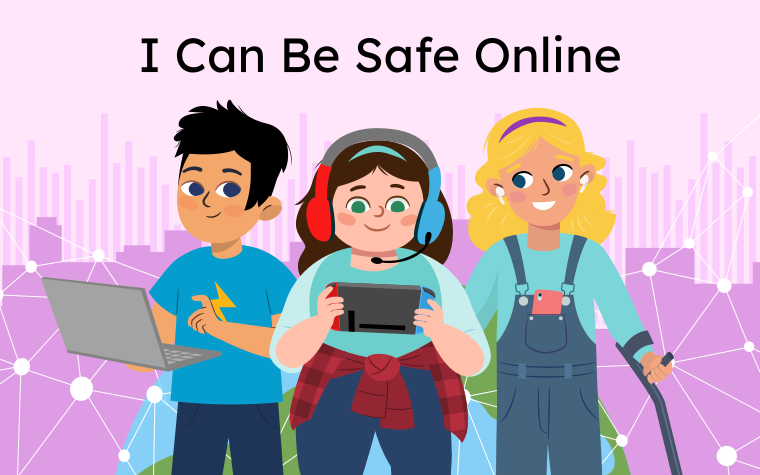
I Can Be Safe Online
Take a moment to think about what you may already know about online safety before reading!
You can also think about any questions you have or things you want to learn more about.
Let’s read the book I Can Be Safe Online to explore ways we can stay safe online.
Read I Can Be Safe Online by pressing the arrows to move between pages. You can press the play button to listen to the words on each page.
I Can Be Safe Online I Can Be Safe Online
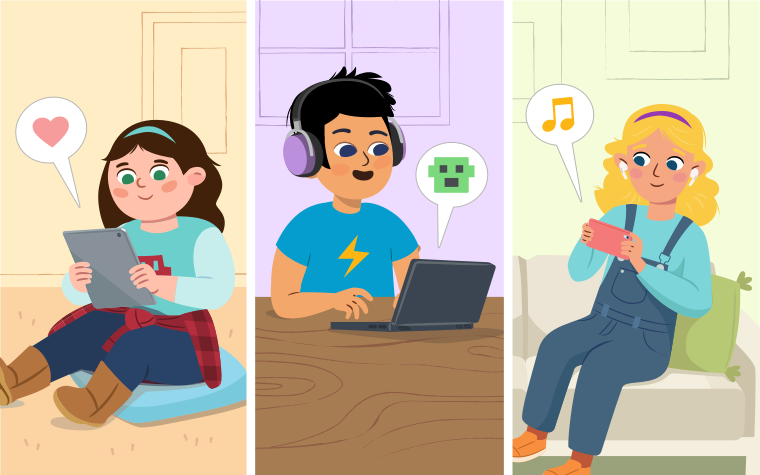
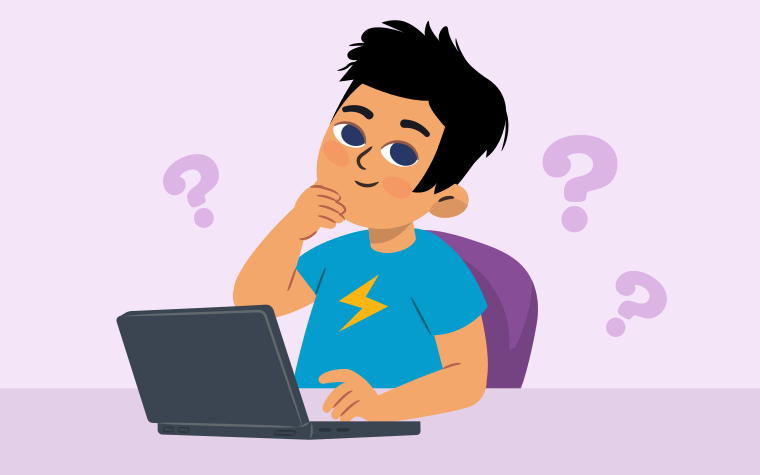
But I need to remember to be safe online. How can I be safe online?
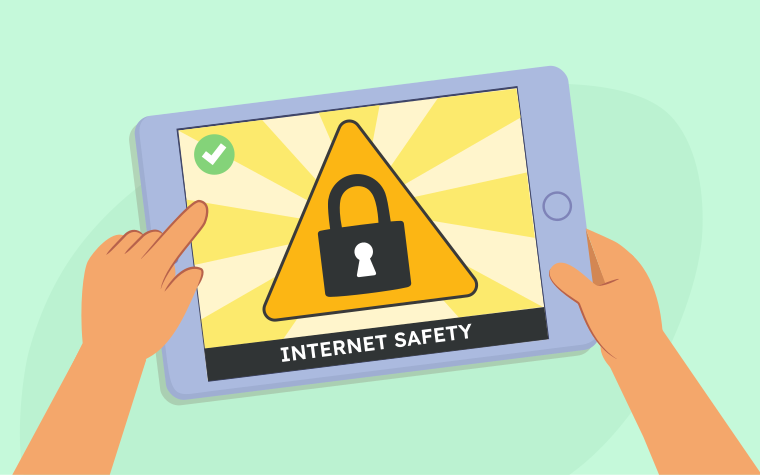
I can keep my personal info private, like:
- my full name
- my photos
- home adress
- school adress
- the name of my family members
- my phone number
- and the name of my school
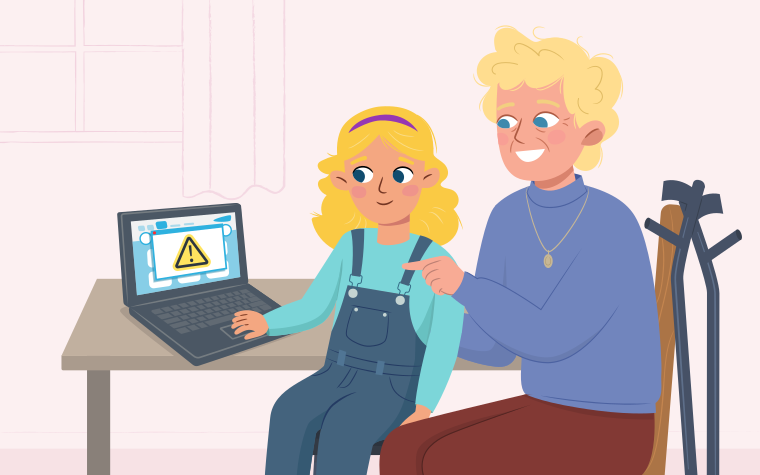
I can ask my parents or guardian first before downloading apps or games.
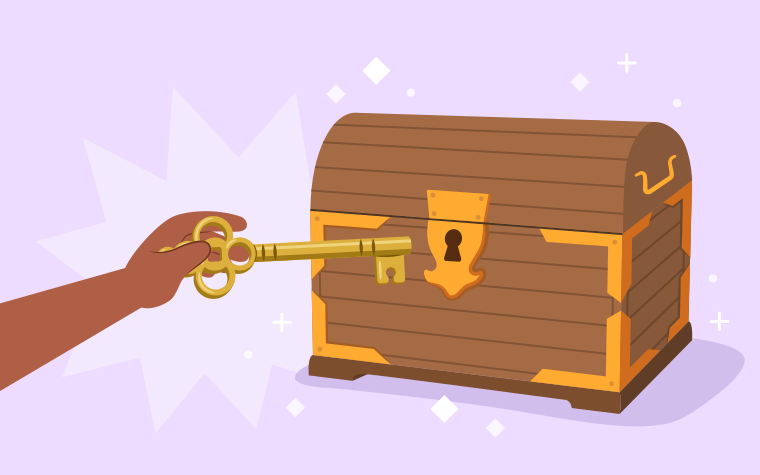
I can keep my password to myself. Only my parents or a trusted adult can know my password.
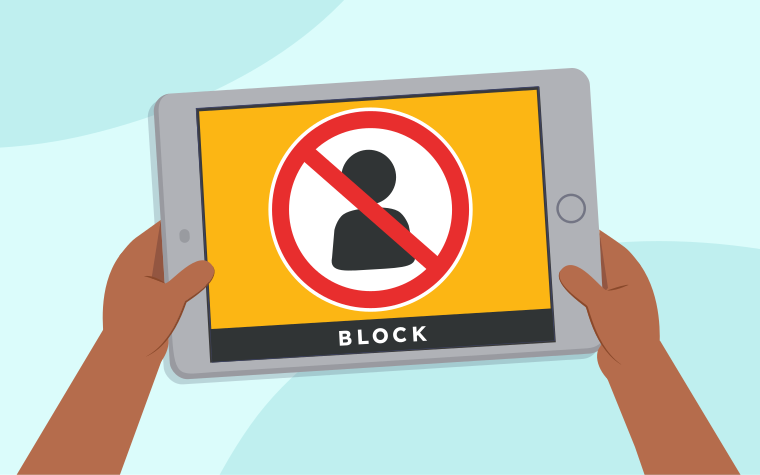
If someone messages me that I do not know, I can block them.
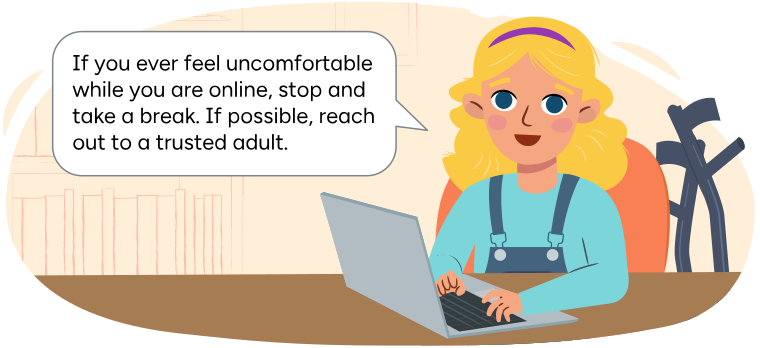
I can take breaks from screen time.
How do you stay safe online?
What new information have you learned about being safe online?
Fill in the L section of your KWL Chart with new information you have learned about online safety, or record your ideas using another method of your choice.

Student Wellness
Student wellness
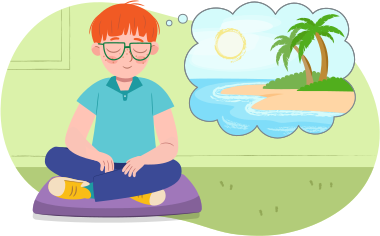
It’s time for a screen break!
Take a break from your screen and find a quiet spot to sit or stand comfortably.
Close your eyes and take slow, deep breaths, counting to three as you inhale and exhale.
Imagine yourself in a peaceful place, like a cozy nest or a sunny beach.
Screen break
What should you do if someone you don’t know requests to chat with you online?
Press Reveal to check your answer.
Do not respond to them, block them, and report it to an adult you trust.
What kind of private information should you not share online?
Press Reveal to check your answer.
Do you not share your:
- photo
- full name
- username and password
- home address and school address
- parents and/or siblings names
- phone number
What should you do before downloading an app, playing a game, or visiting a new website?
Press Reveal to check your answer.
Ask your parents or another trusted adult first and have them look at the app, game, or website to make sure it is safe for you.
Let’s play a sorting game!
If the activity is a safe activity to do online, add it to the safe box.
If the activity is an unsafe activity to do online, add it to the unsafe box.
Use the arrow buttons to navigate between cards.
Making complete sentences using because!
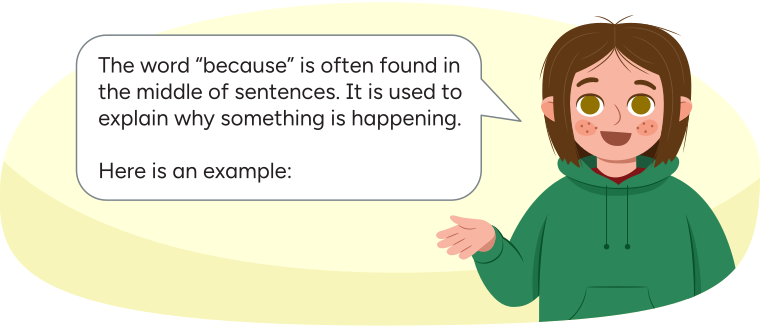
Clara says: The word "because" is often found in the middle of sentences. It is used to explain why something is happening. Here is an example:
|
I am going to go online because I would like to play a game. |
Saying 'Because I want to play a game' isn't enough for a sentence. It's like having just half of a story!
'I am going to go online' is a complete sentence but we can make it even better by adding 'because' and explaining why.
For example, 'I am going to go online because I want to play a game.'
Let’s practice adding the word because to these sentences. Once you complete the sentence, practice reading the sentence out loud or to a partner.
Complete the fillable and printable Complete Sentences activity in your notebook or using the following document. If you would like, you can use speech-to-text or audio recording tools to record your thoughts.
|
Ava did not chat with the person online (Blank) he was a stranger. Mehar did not give her full name (Blank) it was personal information. Clara did not download the game (Blank) they did not ask their parents first. |
Press the Activity button to access the Complete Sentences.
Let’s check!
Review what you have learned about online safety!
Select the correct answer, then press Check Answer to see how you did.
Safety pledge
When using the internet, it is important to stay safe. You might use the acronym TRUST to help you remember how to stay safe online.
Press the following tabs to access online safety tips.
Always be truthful online. Never pretend to be someone else. It is important to be honest when you are talking to people you know on the internet.
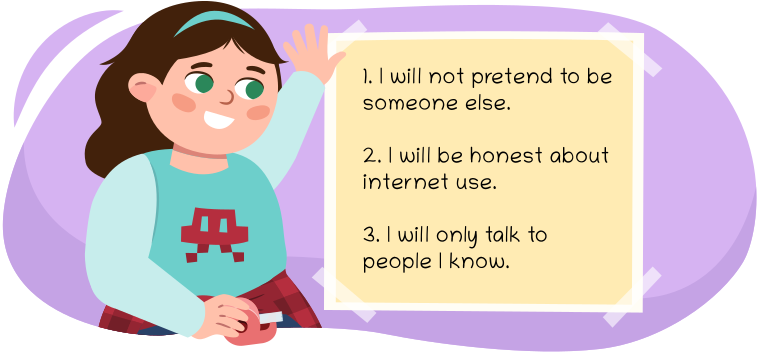
Sam taping a piece of paper to the wall that says:
1. I will not pretend to be someone else.
2. I will be honest about internet use.
3. I will only talk to people I know.
Always be respectful online.
Being respectful means being kind to others on the internet, just like you would in real life.
Being respectful helps everyone feels good online.
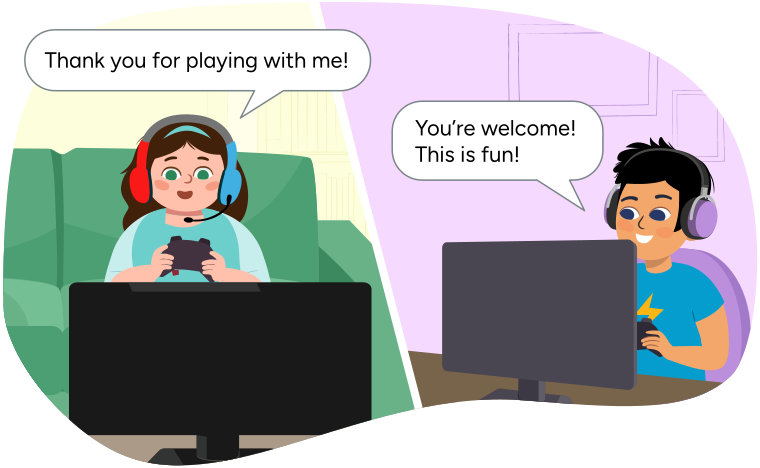
For example, when playing games with friends online, it is important to only use kind words.
Understanding means learning how to be safe online and asking an adult if something feels confusing or uncomfortable.
The internet can be a big place with lots of different things happening, so it's important to ask for help if you're not sure about something. A trusted adult can help you understand what’s going on and how to stay safe.
For example:
- If you enter a website that seems confusing, ask a trusted adult for help.
- If someone sends you a message that seems confusing or uncomfortable, always tell a trusted adult.
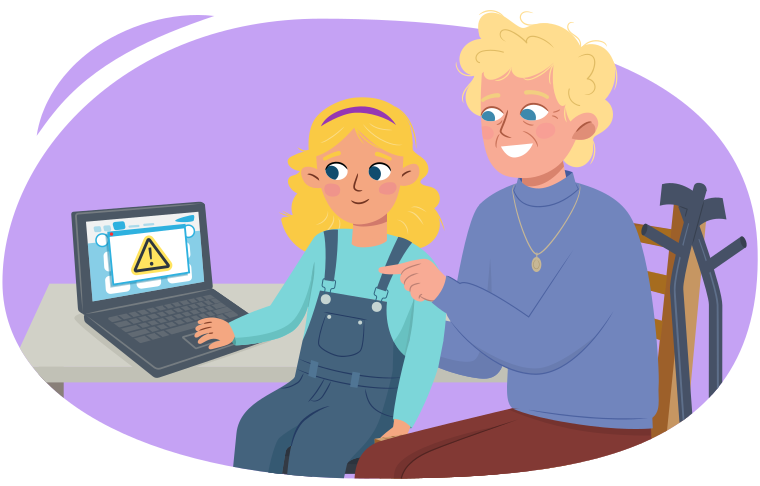
Being safe online means never sharing personal information with strangers online. Personal information includes things like:
- your full name
- your address
- your phone number
- your passwords
It's important to keep this information private and never share it online. If someone you don't know asks for this information online, you should tell a trusted adult right away.
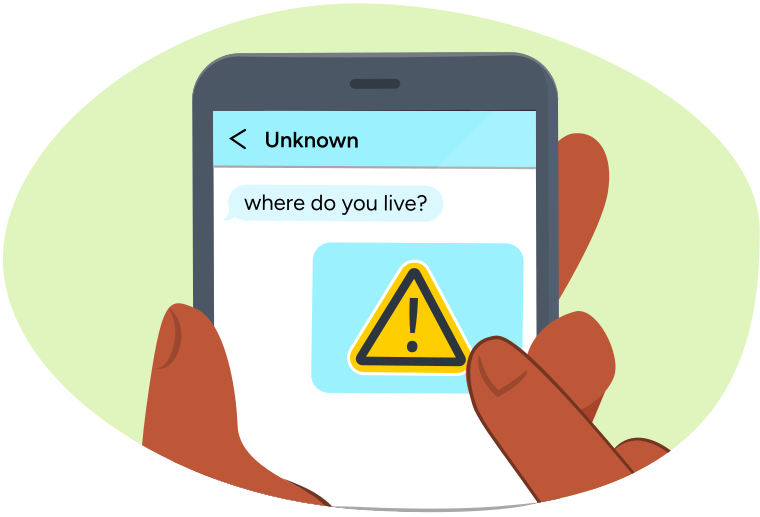
Tell means that you can share your feelings with a trusted adult, like your parents or a teacher. They can help you figure out what to do and make sure you’re safe.
For example, you should stop and tell a trusted adult
- if you see or hear something online that makes you feel worried
- if someone asks you to do something that doesn't seem right
- if you get a message from someone that makes you feel sad, angry, or uncomfortable
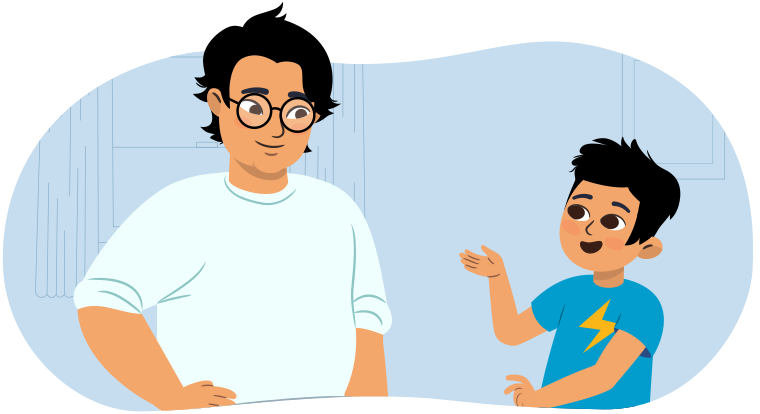
Now that we have learned the many ways we can be safe online, let’s use our new learning to make a pledge.
A pledge is a promise you make to yourself and others. You will create a pledge for how you can be safe online.
Step 1: Brainstorm
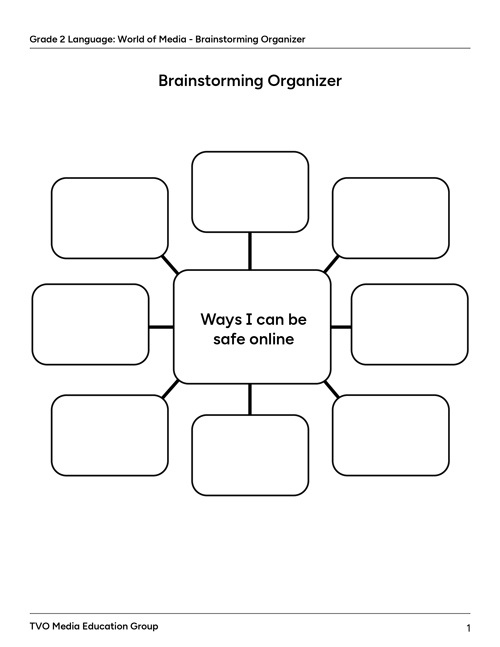
Complete the fillable and printable Brainstorming Organizer to help you record all the ways you can be safe online.
You may record your thoughts in your notebook, using the following document, or by using audio recording tools.
Step 2: Create your pledge
Use a blank piece of paper or use the following fillable and printable Online Safety Pledge to create your pledge.
Once you have completed your pledge, write your name at the bottom of the page. By writing your name, you promise to keep your pledge for online safety.
| My Online Safety Pledge |
|---|
I will be safe online by:
|
|
Signed by: (Blank) Date: (Blank) |
Press the Activity button to access the Online Safety Pledge.
Step 3: Post your pledge
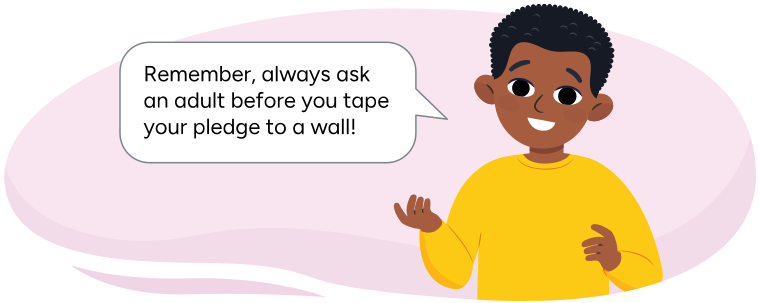
Post your pledge where you can see it. For example, you might post it to your wall, on your fridge at home, or by your desk in your classroom.
Let’s check
Use the following checklist to review your online safety pledge.
Did you:
Grammar review
For each sentence, select the missing words from the drop-down menu.
Press Check Answer to see how you did.
Reflection
How do you feel about what you have learned in this activity? Which of the next four sentences best matches how you are feeling about your learning? Press the button that is beside this sentence.
I feel...
Now, record your ideas about your feelings using a voice recorder, speech-to-text, or writing tool.