A digital footprint is a footprint we leave online.
It is not the kind of footprint you might leave when you walk in the snow or sand.
A digital footprint never disappears.
We are learning to…
I am able to…

We leave our footprints behind when we walk in different places.
Explore the following images.
What are some of the different ways we can leave footprints behind?

Footprints in the snow.
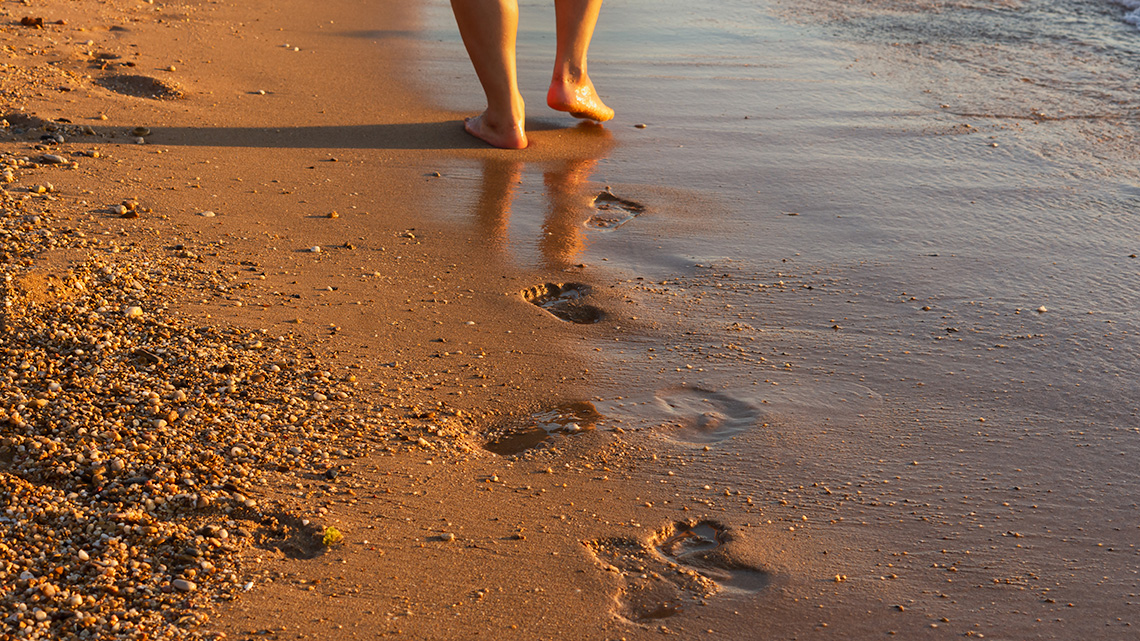
Footprints in the sand.

Muddy footprints on a carpet.

Wet footprints near a pool.
What happens to these footprints over time?
Do they stay on the ground forever or do they eventually disappear?
If possible, share your thoughts with a partner.

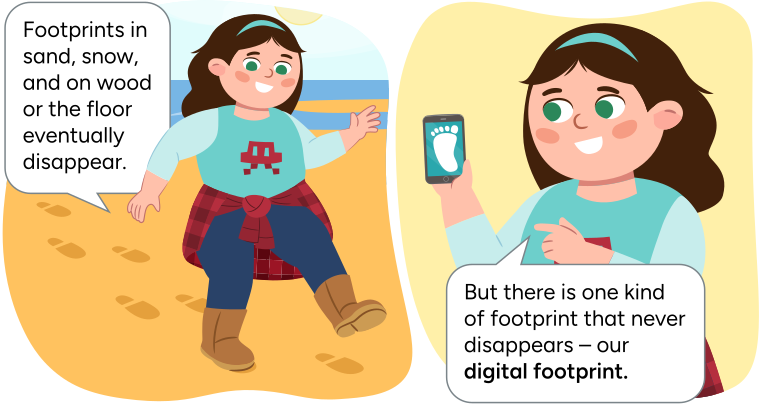
Sam says "Footprints in sand, snow, and on wood or the floor eventually
disappear. But there is one kind of footprint that never disappears - our
digital footprint."
The first image shows Sam walking on a beach and leaving a
trail of footprints. The second image shows Sam holding a smart phone that
displays a picture of a footprint.
What do you think the words digital footprint mean? Let’s make a guess based on what we already know.
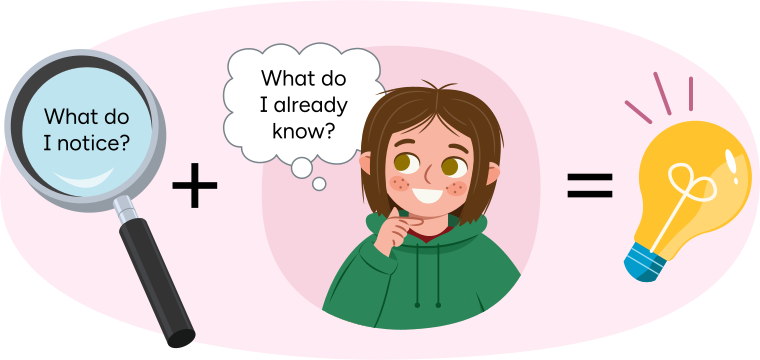
From left to right: A magnifying glass with the text "What do I notice?" inside the glass. A "plus" sign. Clara thinking "What do I already know?" An "equals" symbol. A light bulb lighting up.
Share your thoughts with a partner, if possible.
Press Digital Footprint to access a possible definition of the word.
Think about how we leave marks called ‘footprints’ when we walk.
'Digital' means using electronic devices like computers, tablets, and smartphones.
Now, when we use these devices, we leave marks online. That's our digital footprint!
Let’s read a book about what it means to leave a digital footprint and how to stay safe online!
Before you start, check out the following image for reading tips!
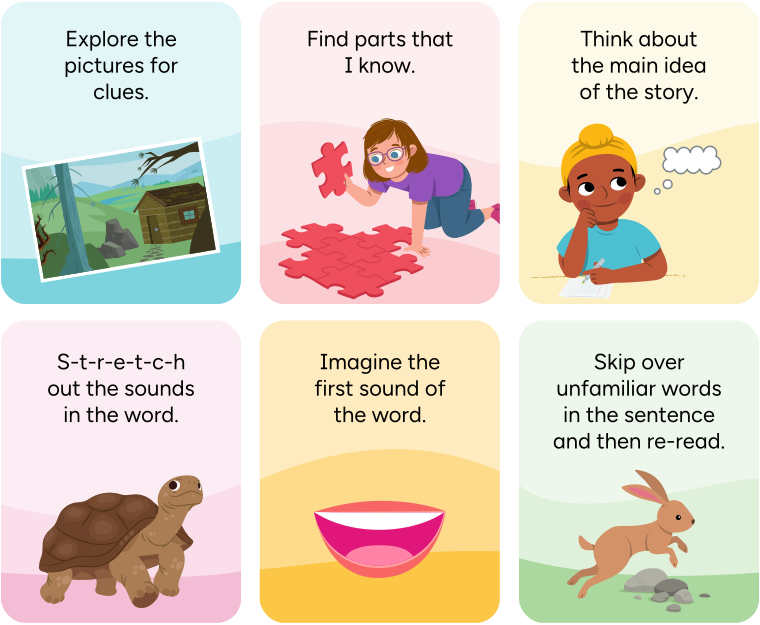
There are six reading strategies.
Examine the picture for clues.
Try to find the parts of the word that I know.
Think about the main idea of the story.
Stretch out the sounds in the word.
Imagine the first sound of the word.
Skip over the words in the sentence, and reread it.
Read I Can Be Safe Online by pressing the arrows to move between pages. You can press the play button to listen to the words on each page.
Our Digital Footprint Our Digital Footprint
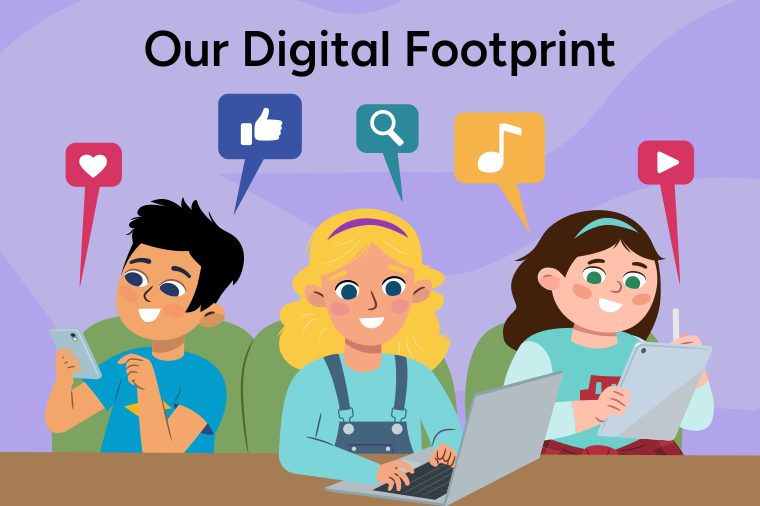
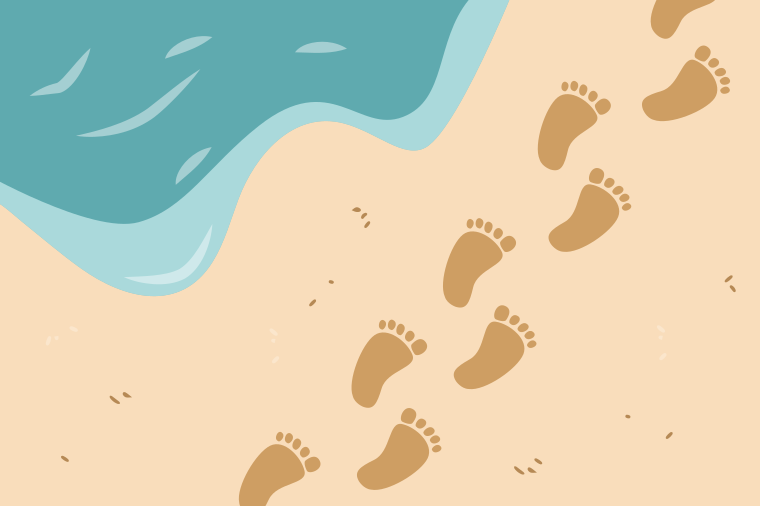
A digital footprint is a footprint we leave online.
It is not the kind of footprint you might leave when you walk in the snow or sand.
A digital footprint never disappears.
Every time we are online, we leave a trail of digital footprints.
This means that we create a digital footprint every time we:
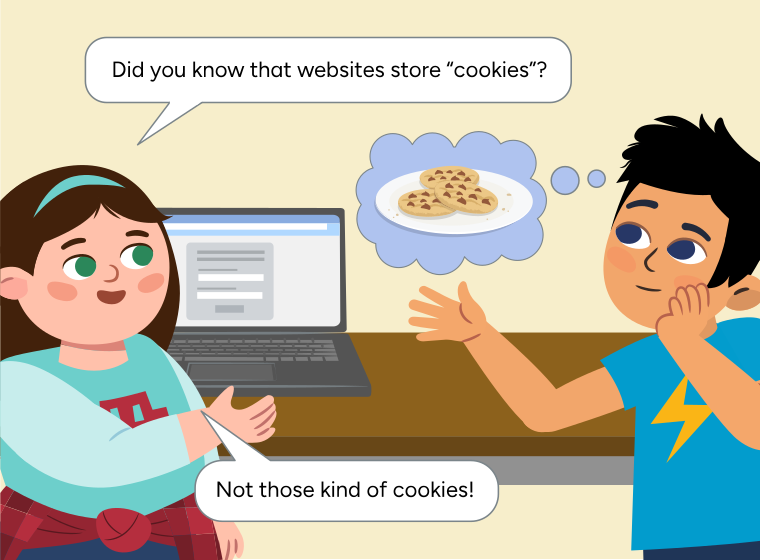
Cookies are files that store information.
For example, a cookie can store whether you visit a website or the kinds of buttons we clicked on.
The more we are online, the more information gets stored about what we like to do online.
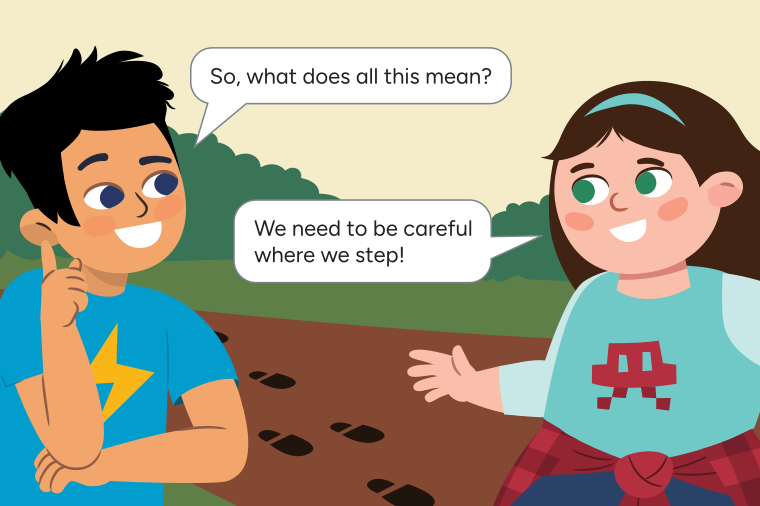
We need to be safe, responsible, and respectful.
This means that we should be careful about:
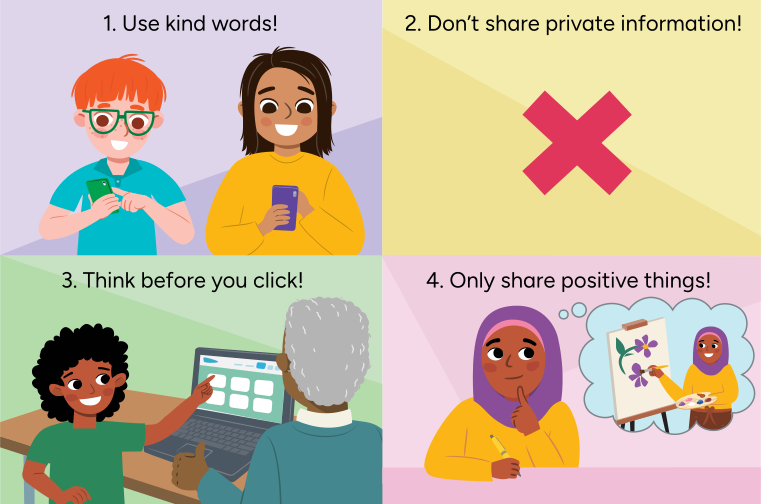
Here are some things you can do to leave a positive digital footprint:
What footprints are you leaving online?
Share your thoughts with a partner.
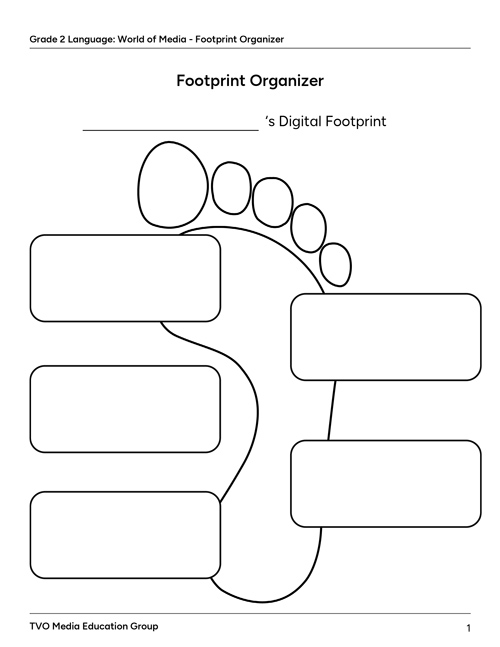
Now, let’s create your own digital footprint!
Think of 3 to 5 things you do online that add to your digital footprint.
Complete the fillable and printable Footprint Organizer in your notebook or using the following document. You can also use speech-to-text or audio recording to share your ideas.
Share your digital footprint with a partner, if possible. Tell them about all the things that make up your digital footprint.
Next, share some ways that you have learned about leaving a positive digital footprint.
Press Hint to reveal some possible ideas!
Here are some things you can do to leave a positive digital footprint:
1. Use kind words when chatting or messaging with your friends and family.
2. Don’t share private information. Private information includes things like your full name, address, phone number, age, and school.
3. Think before you click. This means that before you visit a website, post a comment, or share photos, think about whether this is a safe choice. If you have questions or need help, ask a trusted adult!
4. Share positive things about yourself, like your hobbies and interests, instead of your private information.
Let’s go over some of the vocabulary we learned in this activity!
Let’s learn about the punctuation mark called a ‘comma.’
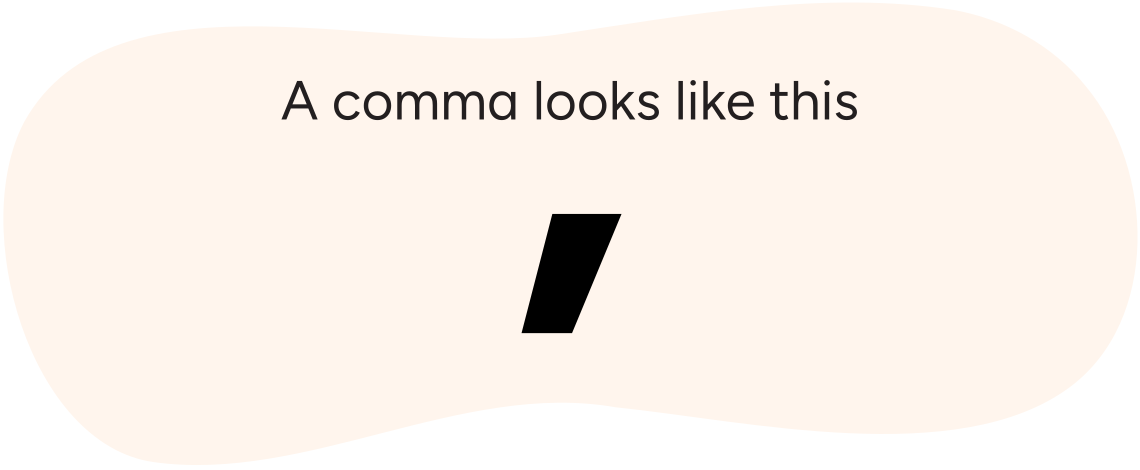
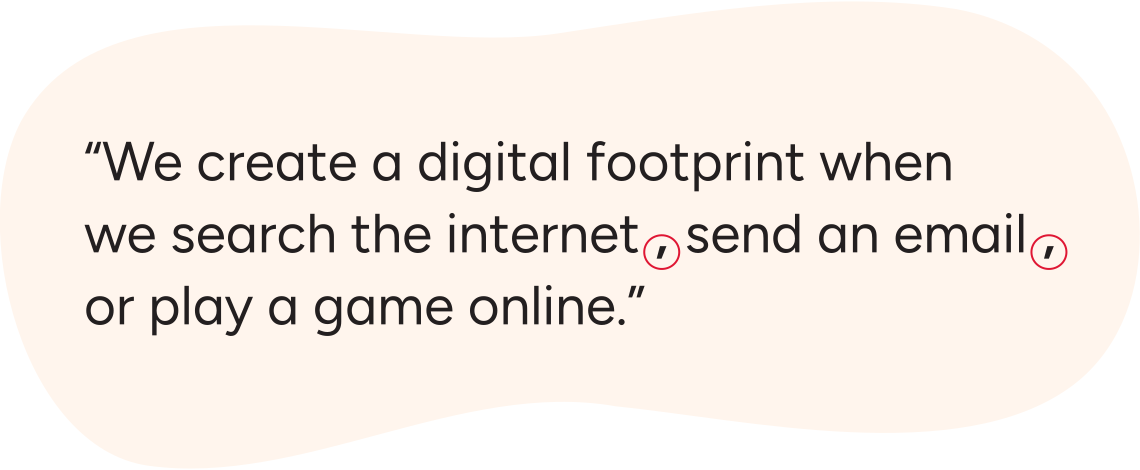
We use commas to:
Try reading this sentence. Pause or slow down when you get to a comma.
Listen to the following audio called Pausing with commas to hear how a sentence with commas sounds!
Pausing with commas
When we write, commas are added to separate items in a sentence. The sentence above is an example of commas that are used to separate items in a list.
You try!
Add the correct punctuation to separate the items listed in each sentence.
Record these sentences in your notebook with the correct punctuation.

Select the correct answer, then press Check Answer to see how you did.

Student Wellness
If you ever feel uncomfortable while you are online, stop and take a break. If possible, reach out to a trusted adult!
Let’s review what we learned about our digital footprint!
Select the correct answer, then press Check Answer to see how you did.
How do you feel about what you have learned in this activity? Which of the next four sentences best matches how you are feeling about your learning? Press the button that is beside this sentence.

Now, record your ideas about your feelings using a voice recorder, speech-to-text, or writing tool.